Any Course. Any Level. Any Language.
Build eLearning Courses in Minutes
The AI-powered course creation platform that transforms how organizations build and deliver training.
See Edplay in Action
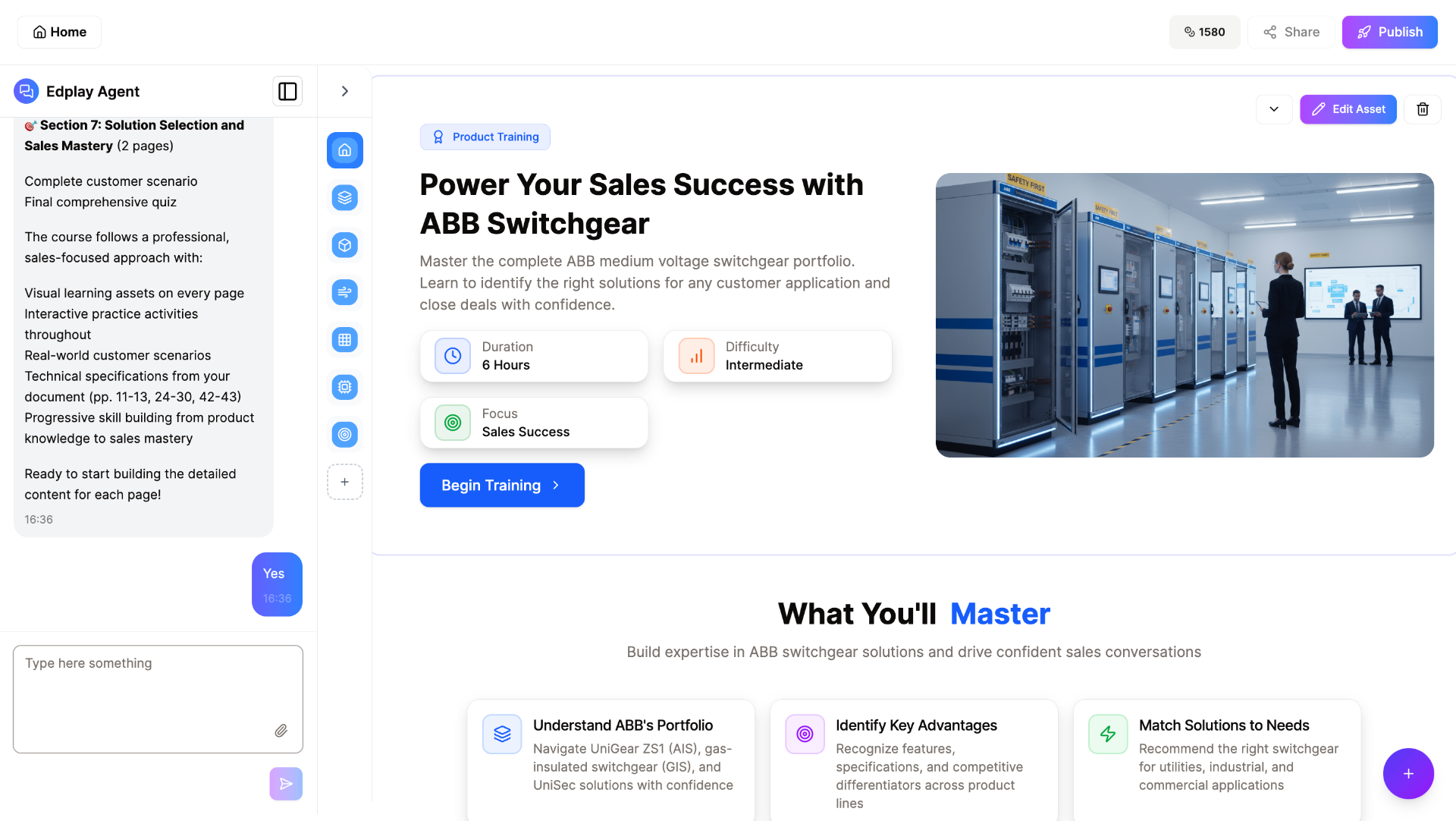
Professional Course Output
AI generates beautifully designed, interactive courses with rich media, structured content, and engaging learning experiences — all from a simple prompt.
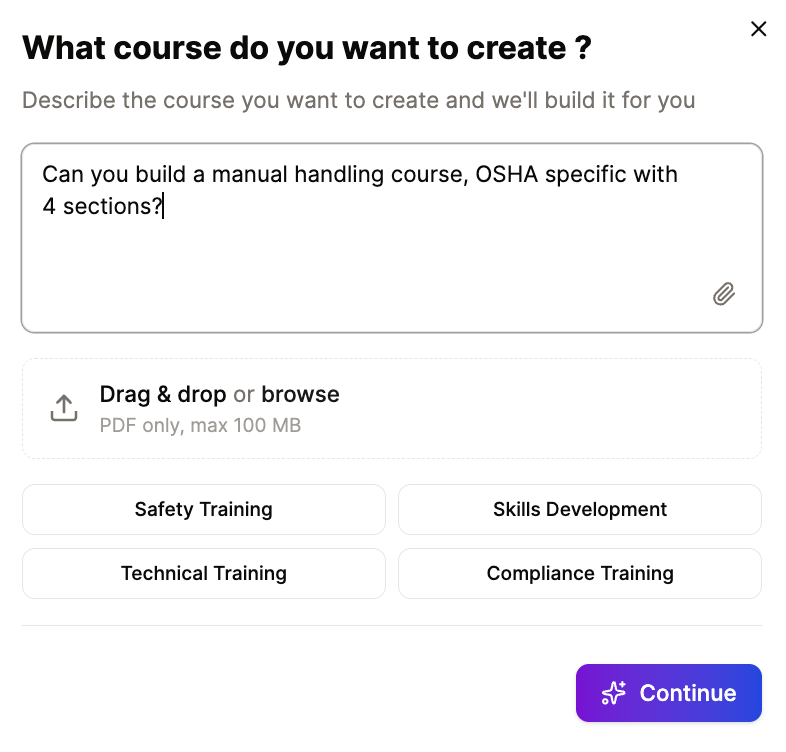
Describe Your Course
Simply type what you need, add links or upload existing documents. Edplay can transform any content into structured learning.
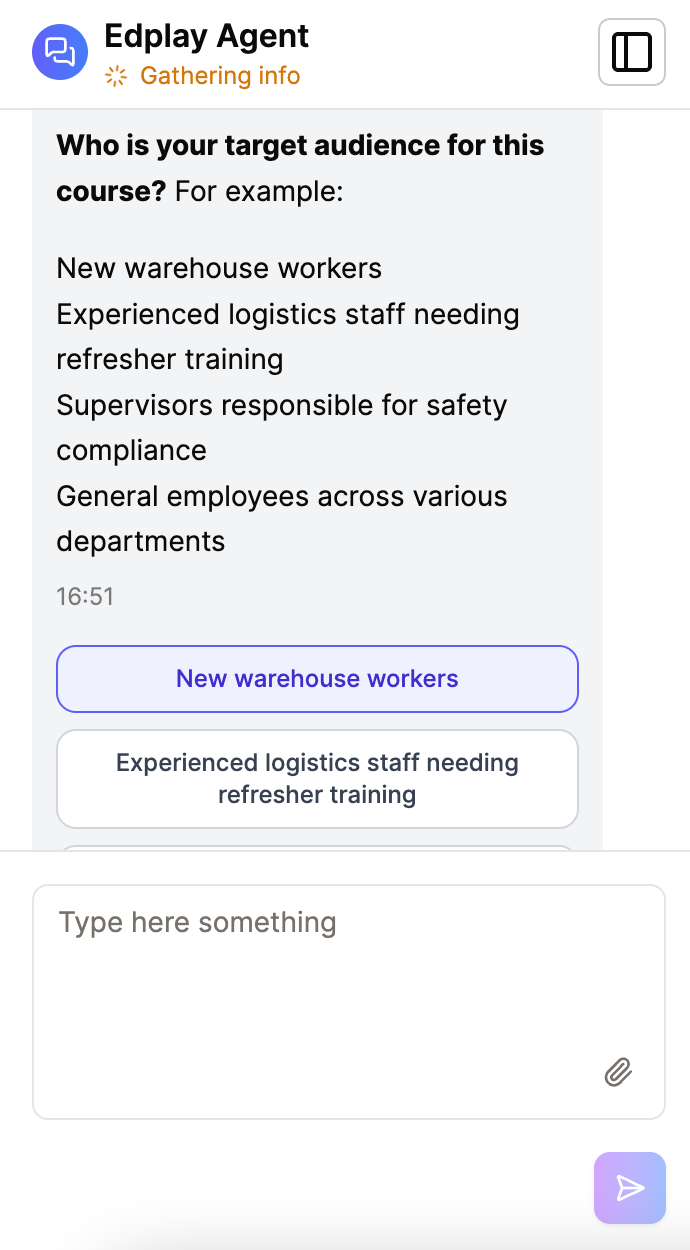
AI Guides You
Our intelligent agent asks smart questions about your audience, learning objectives, and preferences to create perfectly tailored training content.
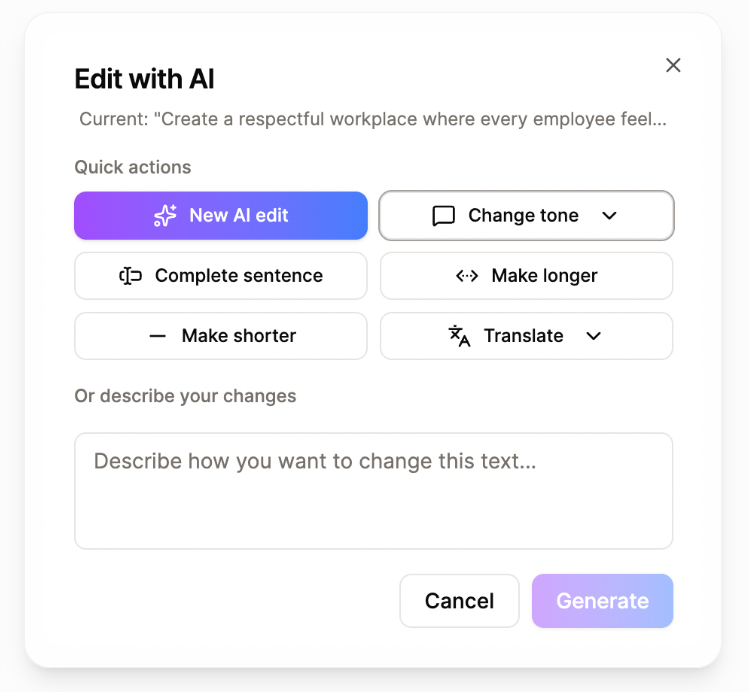
Edit with AI
Refine any content with AI-powered tools. Change tone, translate to any language, expand, or condense text with one click.
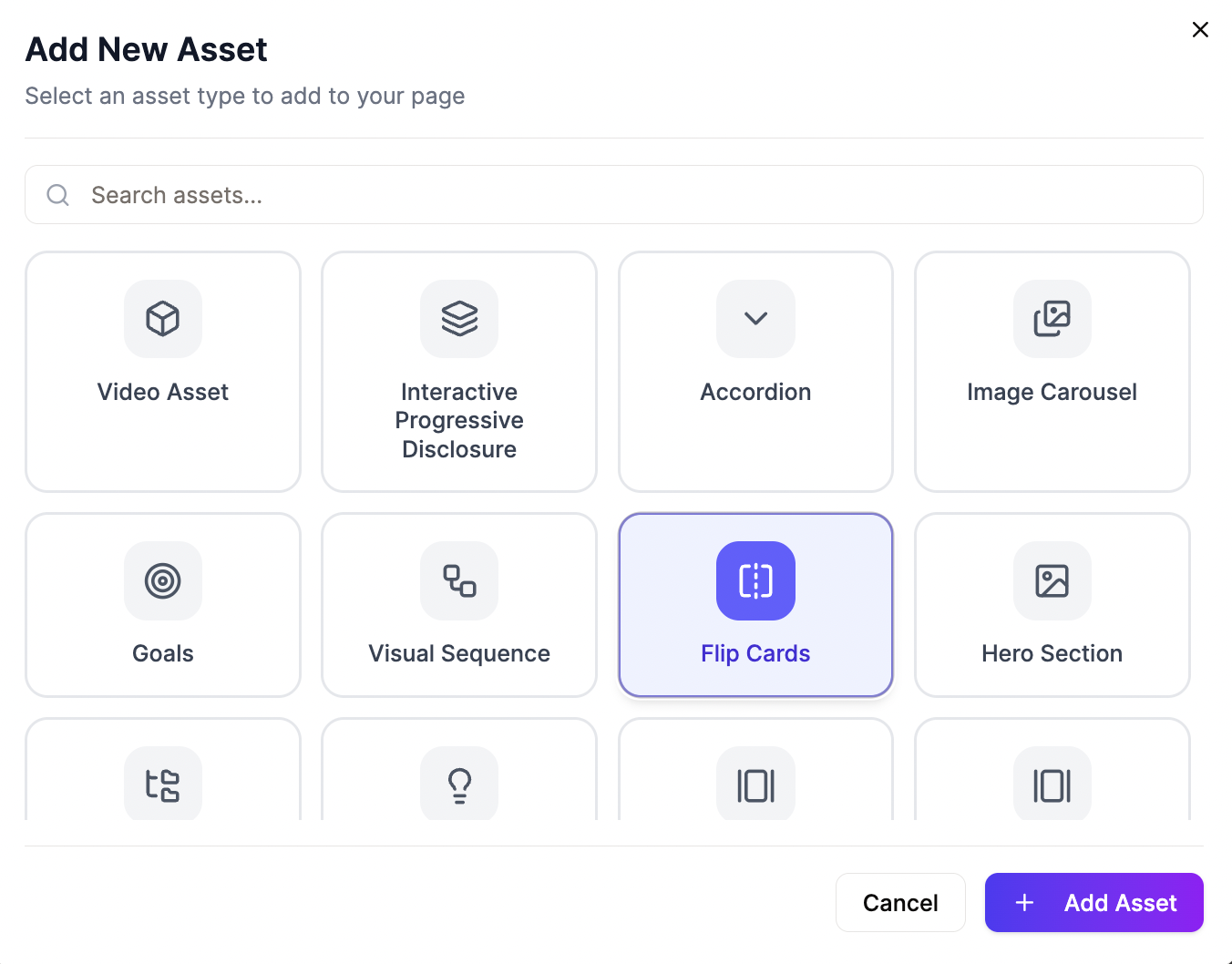
Interactive Assets
Choose from over 30 interactive assets in our library. Add quizzes, flip cards, accordions, image carousels, and more. Everything is drag-and-drop simple.
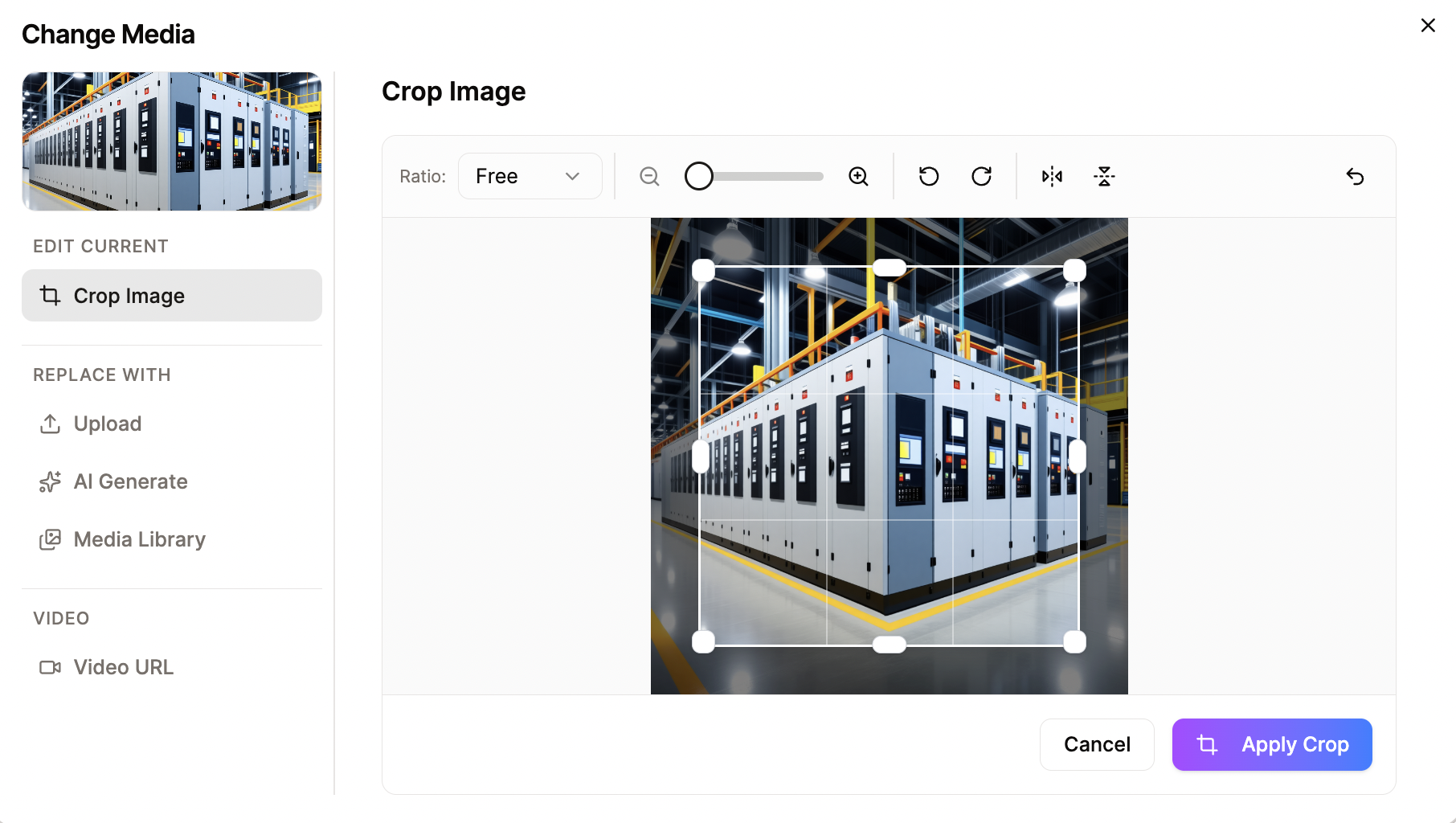
Media Management
Upload your own images, embed videos, use AI to generate visuals, or crop and adjust existing media.
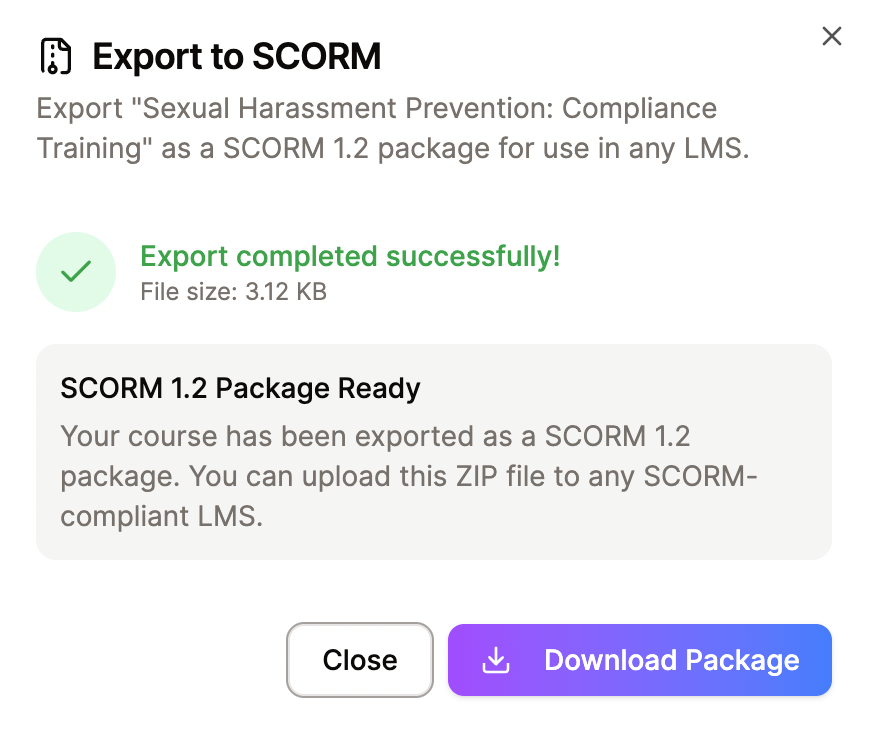
LMS Integration
Export courses as SCORM packages or connect directly via LTI 1.3. Works with any learning management system.
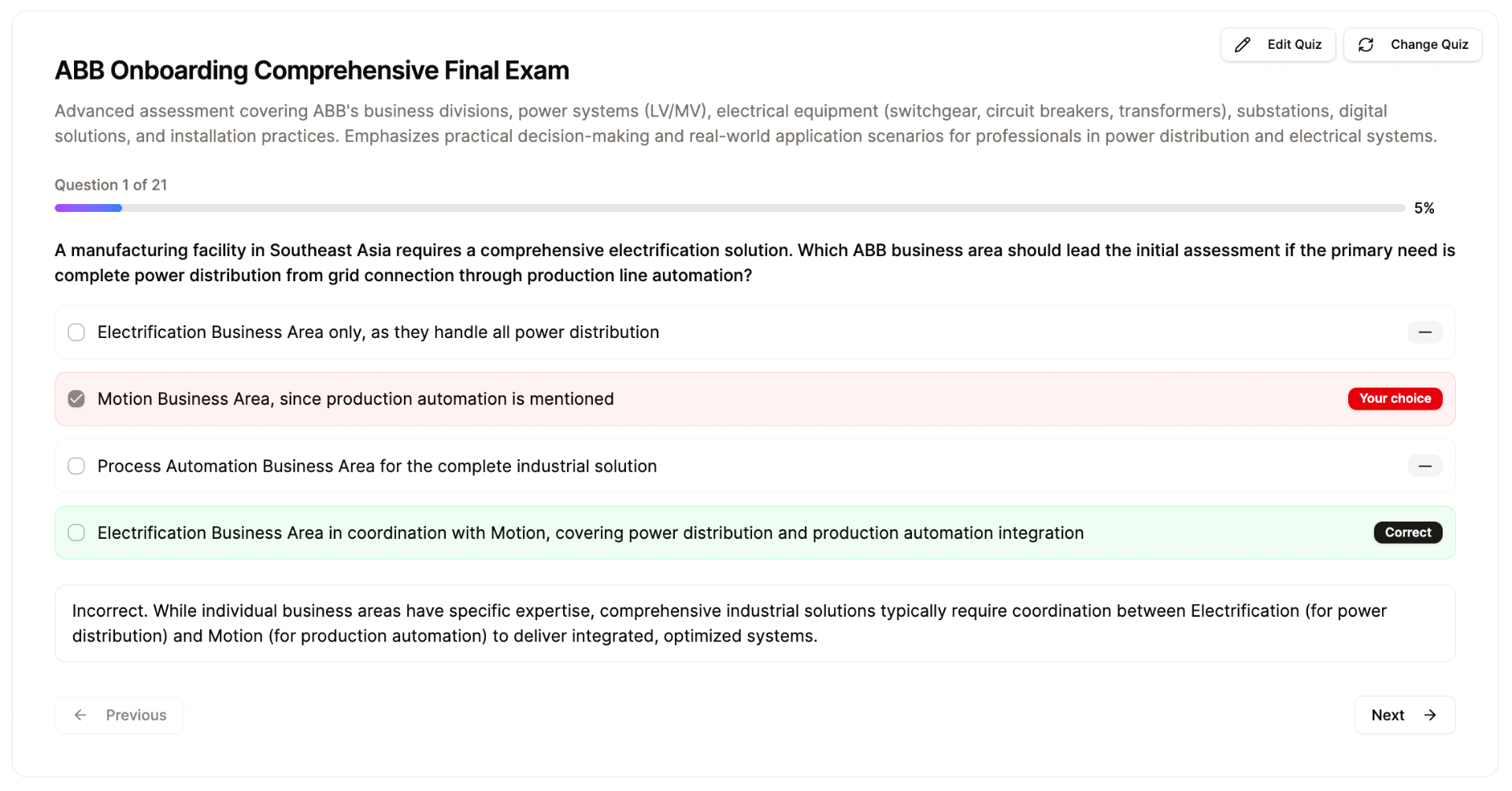
Built-in Assessments
Create scored quizzes or knowledge checks with multiple question types, time limits, feedback for correct and incorrect answers, and configurable pass thresholds.
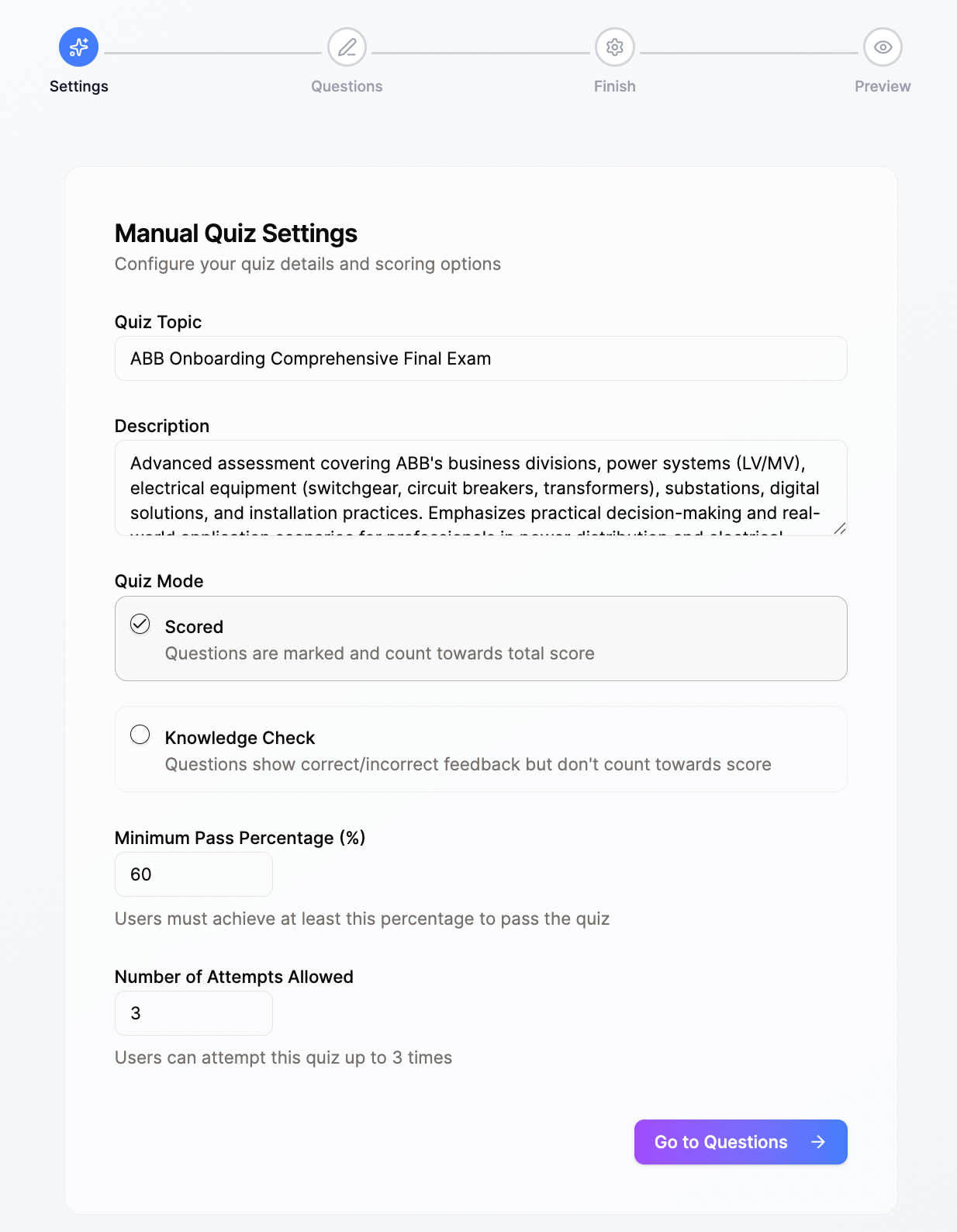
Quiz Configuration
Set scoring modes, pass percentages, attempt limits, and more. Full control over how learners are assessed.
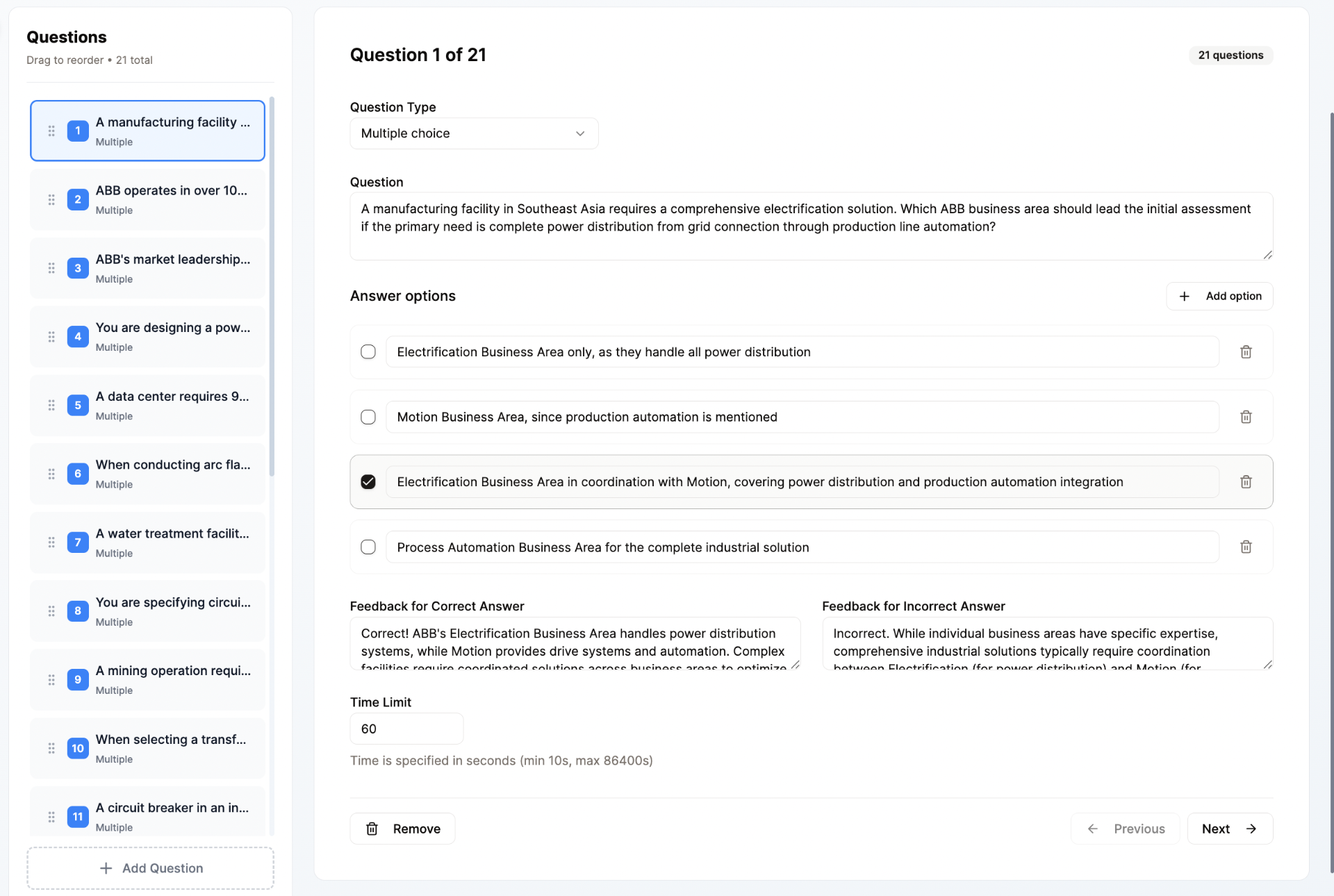
Question Editor
Build questions with multiple choice, true/false, and more. Add feedback for every answer option and set time limits.
Interactive Assets Library
Every course includes access to our library of interactive components. Mix and match to create engaging, effective learning experiences.
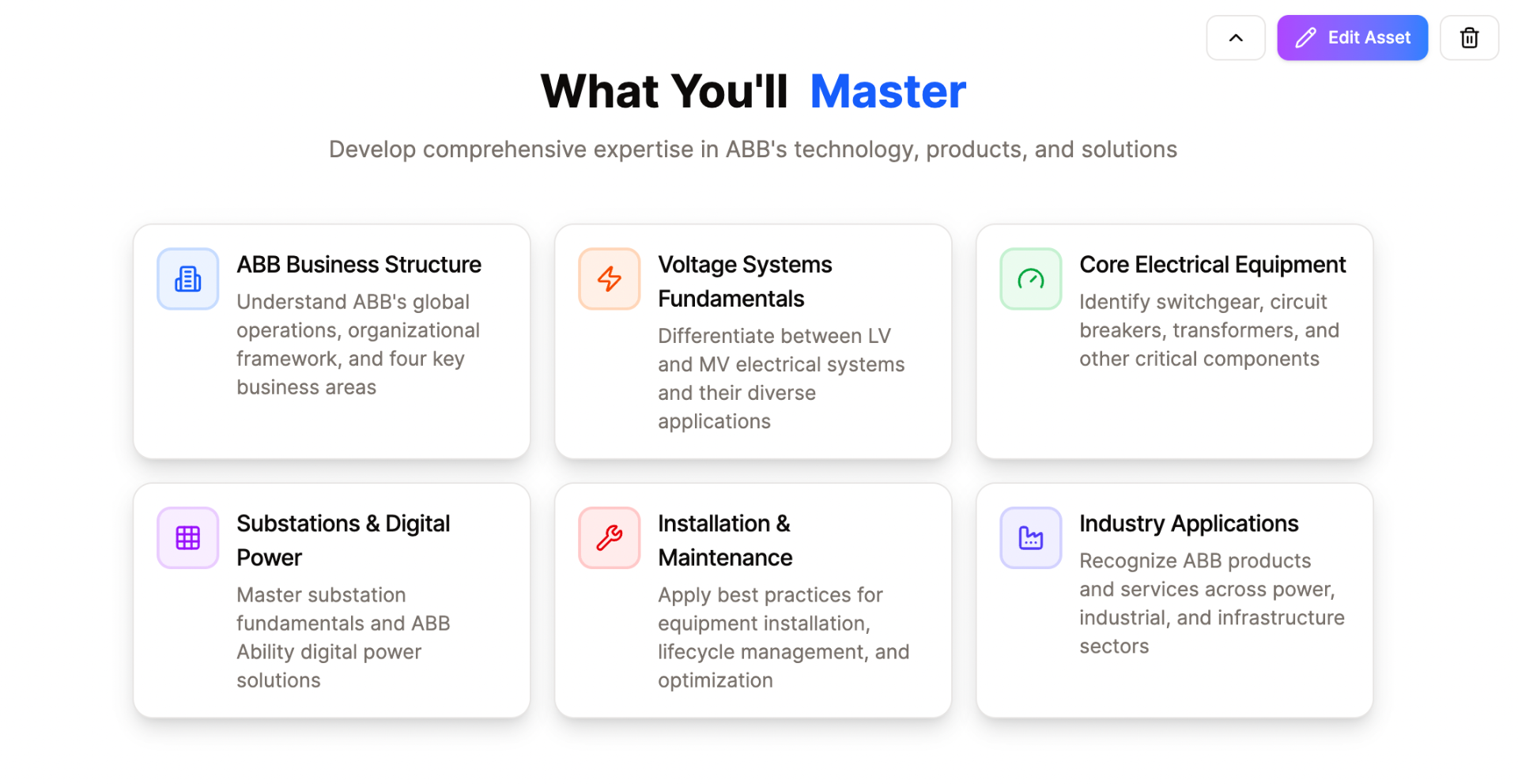
Learning Outcomes
Clearly define what learners will know or be able to do. Sets expectations, guides content creation, and provides a basis for assessment.
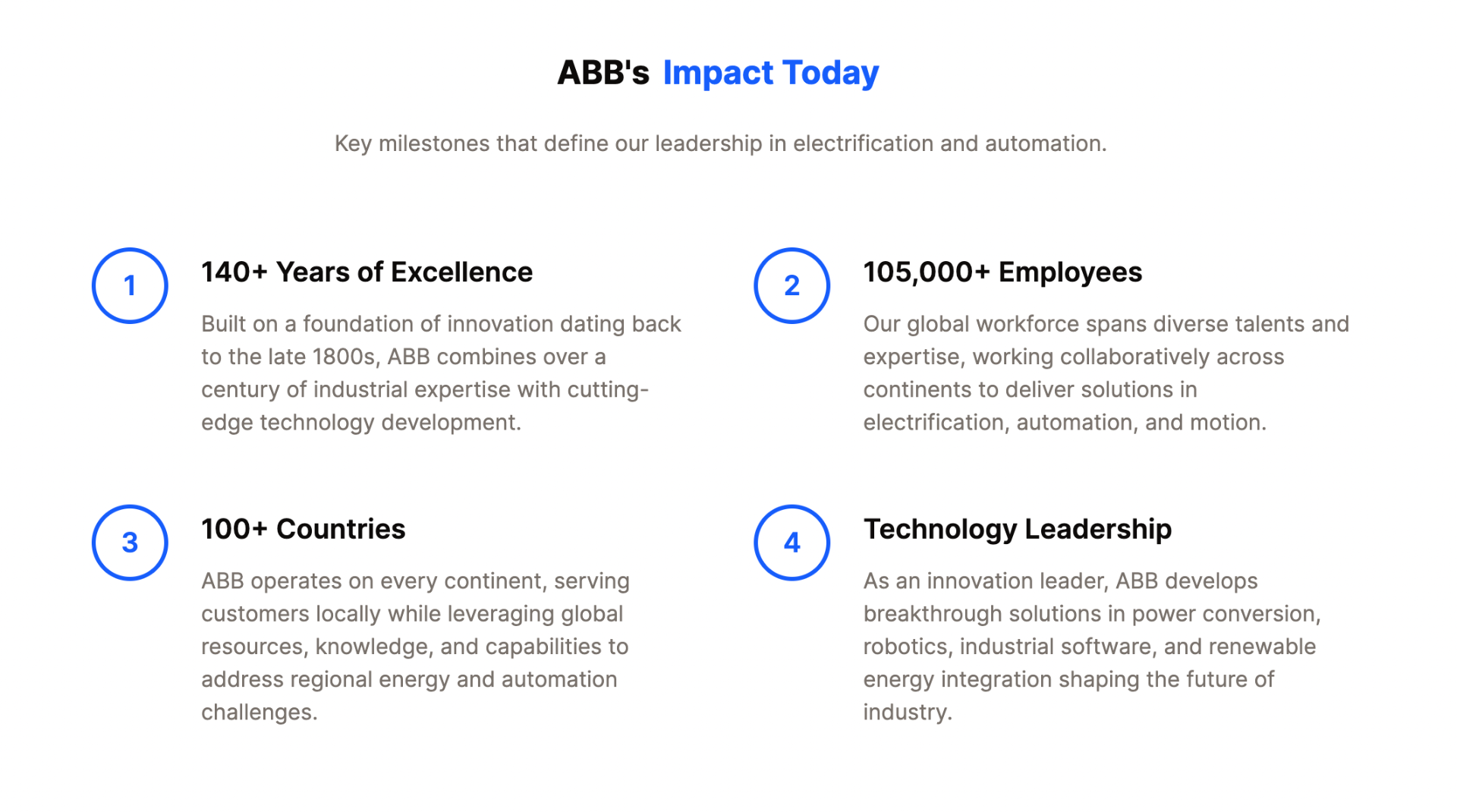
Bullet Points
Present information in concise, easy-to-digest lists. Breaks down complex topics, highlights key information, and improves readability.
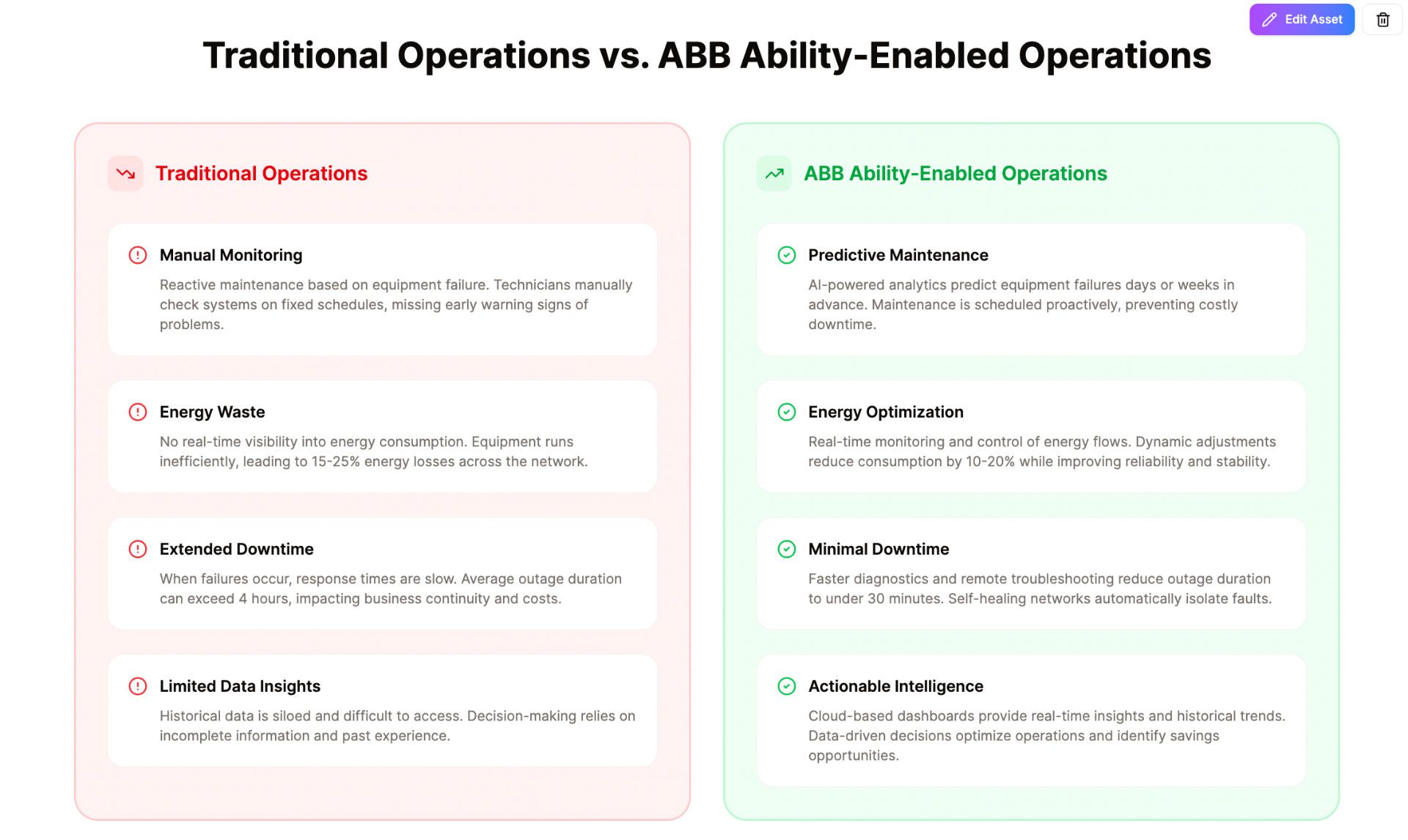
Comparison Tables
Visually compare and contrast different features, options, or concepts side-by-side. Helps learners understand differences and make informed decisions.
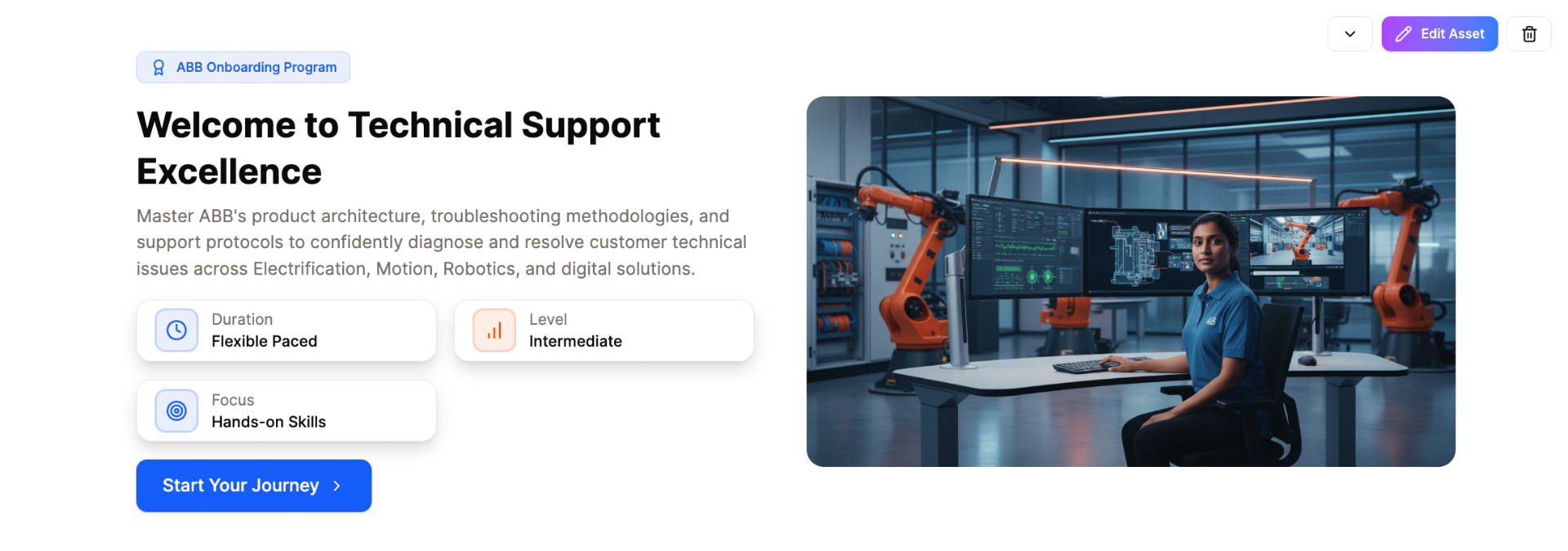
Hero Course Section
The prominent introductory section with title, description, and compelling visual. Grabs attention, provides a high-level overview, and sets the tone.
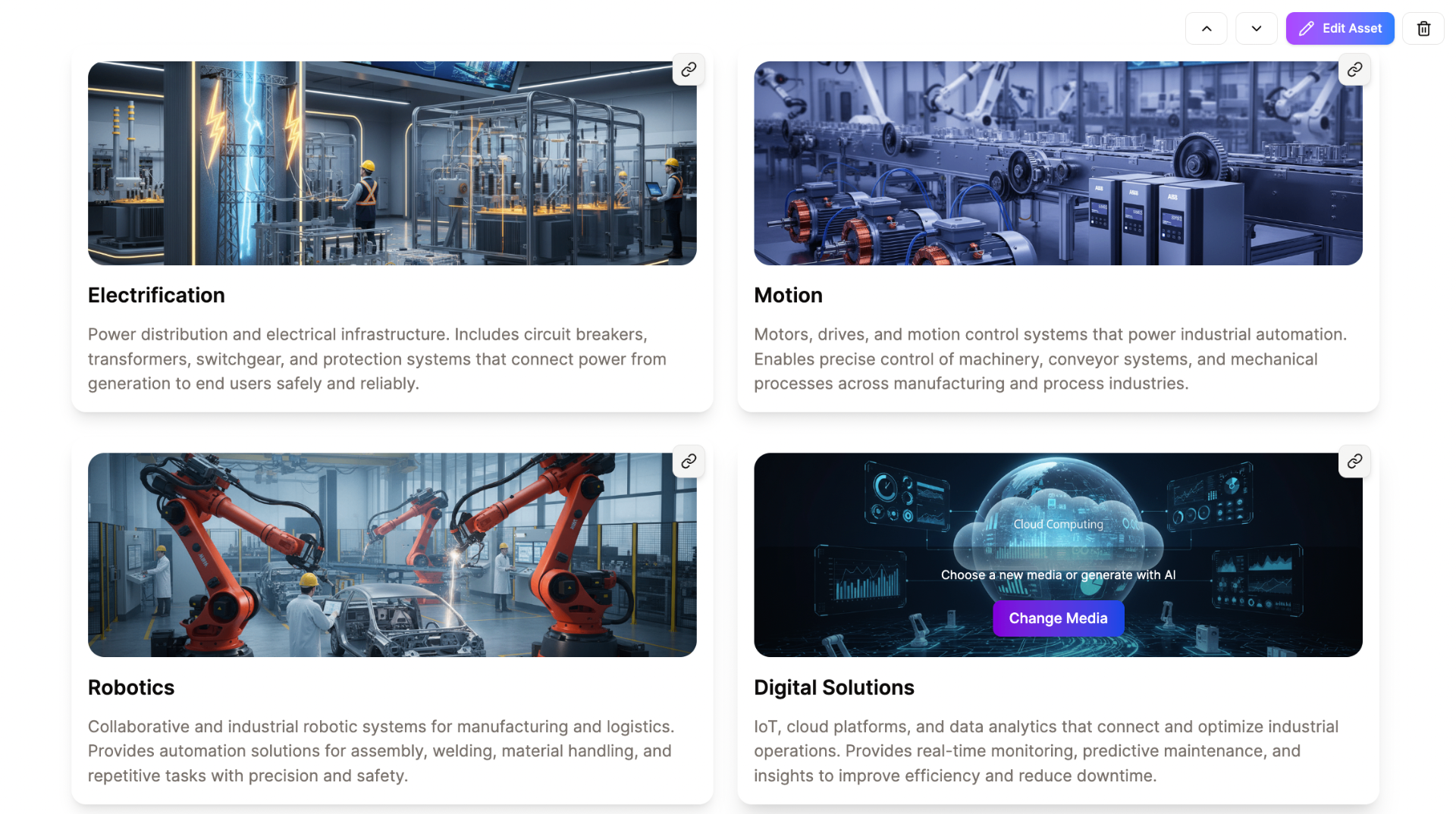
Images & Descriptions
Combine relevant visuals with explanatory text to illustrate concepts. Enhances understanding, caters to visual learners, and makes content memorable.
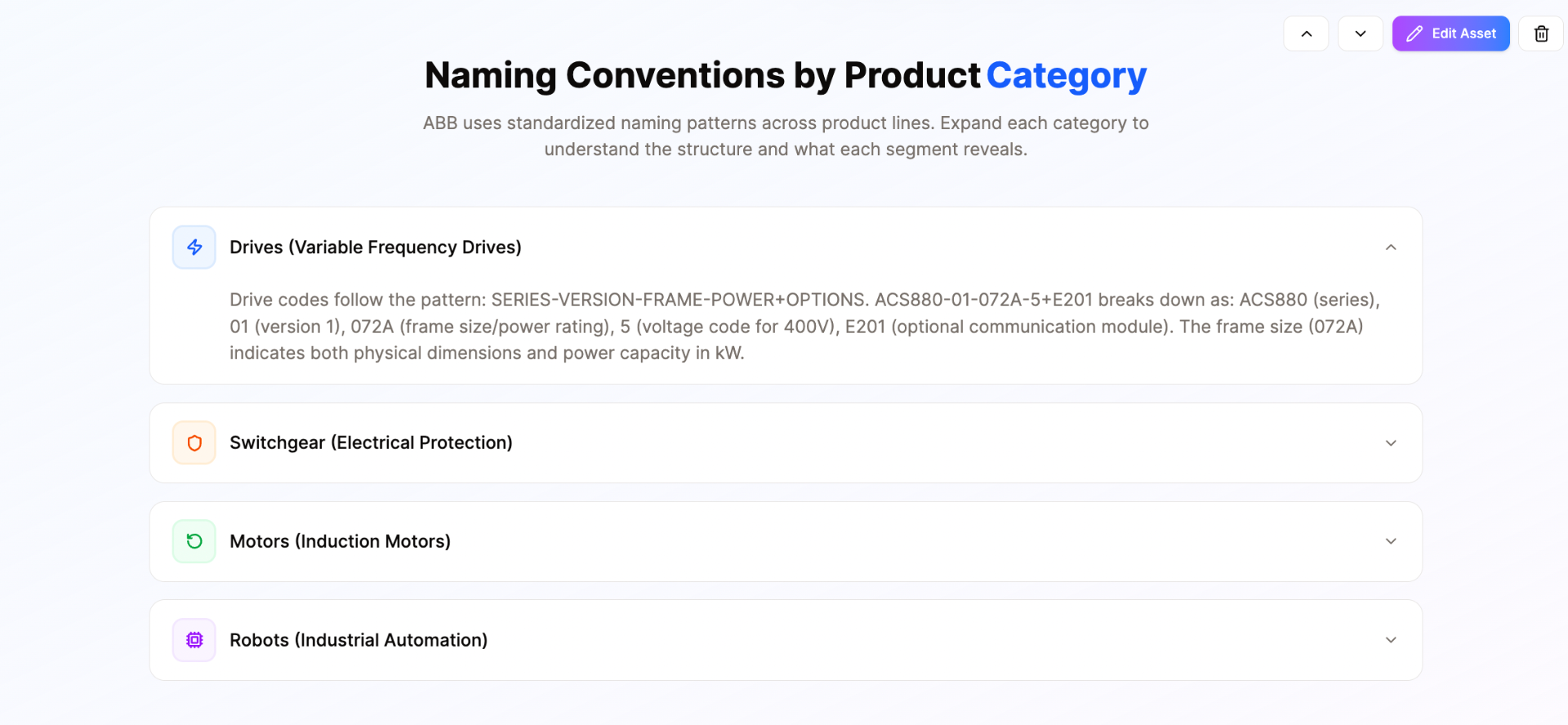
Accordion Asset
Vertically stacked items that expand to reveal content. Organizes information into manageable chunks and lets learners explore at their own pace.
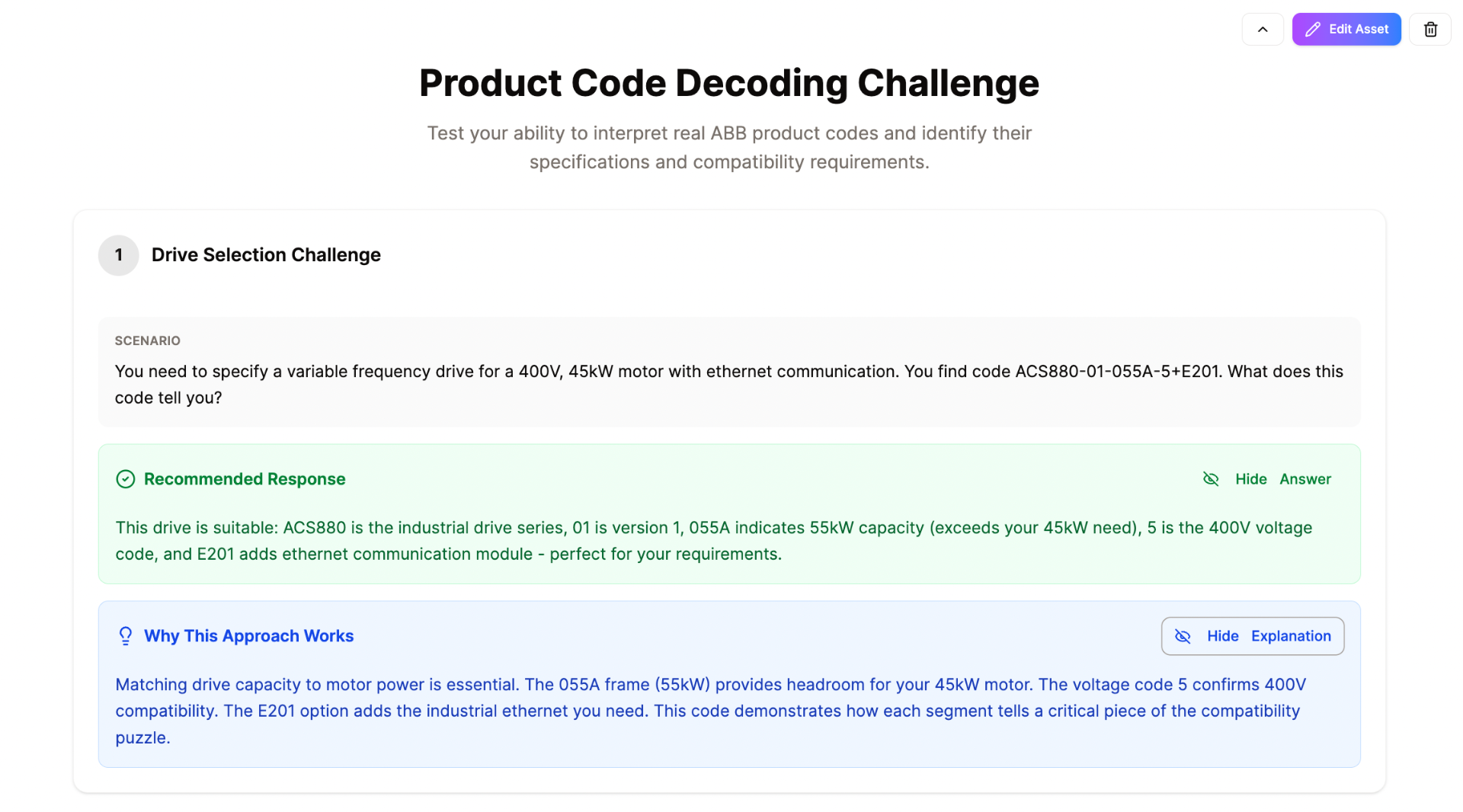
Scenarios
Present realistic situations or case studies for learners to analyze. Promotes critical thinking and bridges the gap between theory and practice.
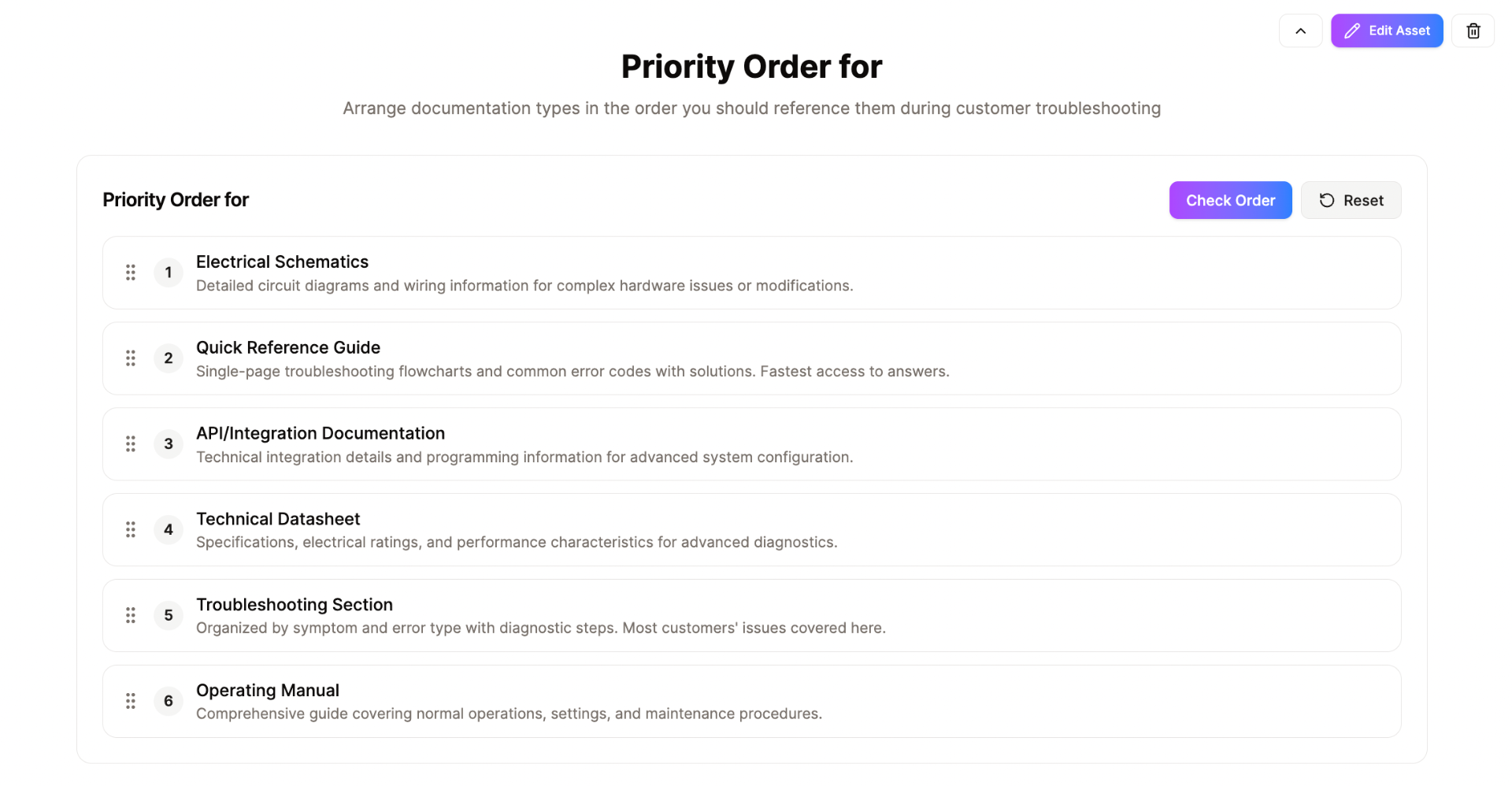
Drag & Drop Ordering
Interactive activity where learners arrange items in a specific sequence. Reinforces understanding of processes and logical flows in a hands-on way.
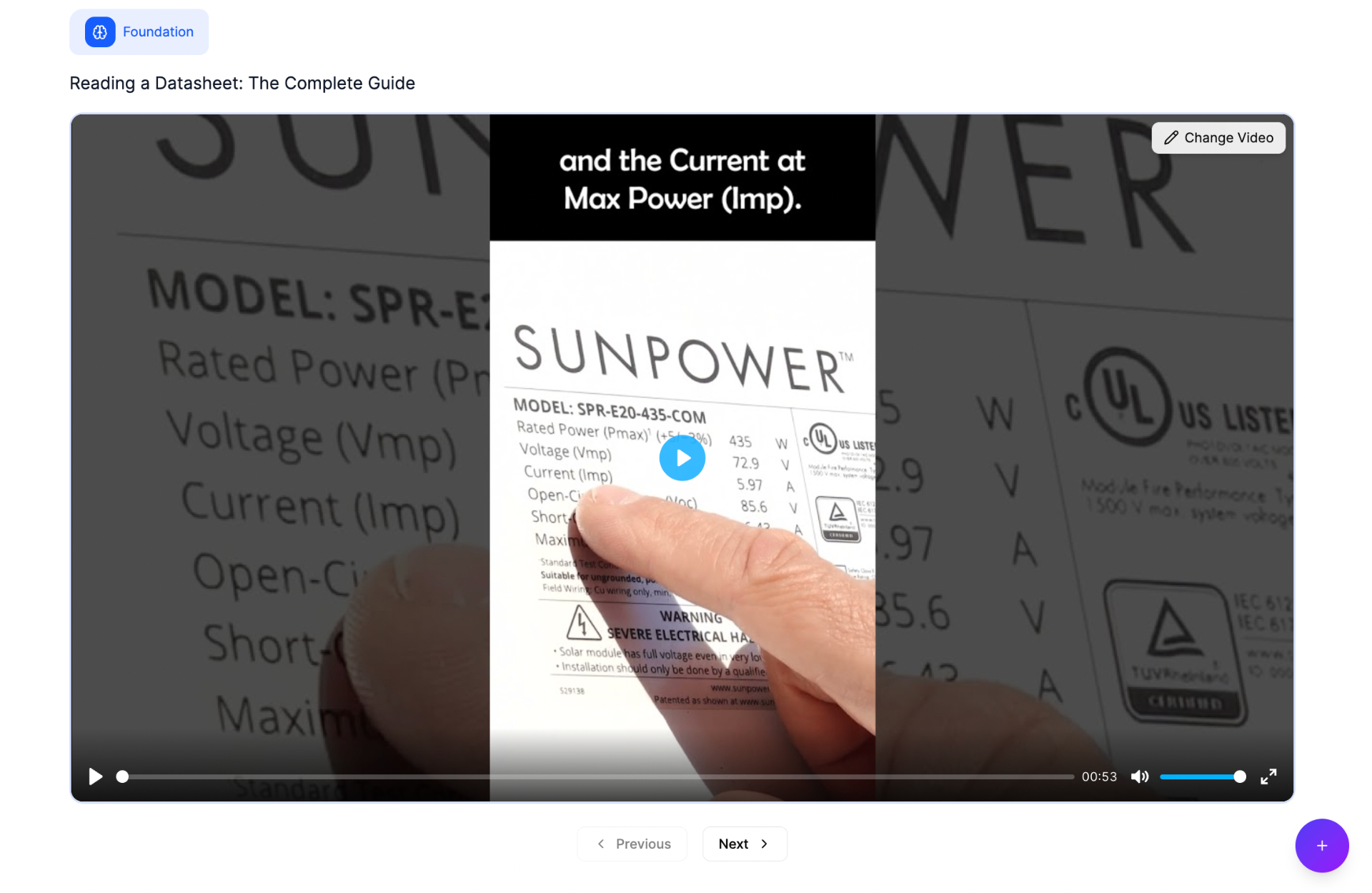
Embed Videos
Integrate video content directly into lessons. Perfect for demonstrations, expert explanations, and visual walkthroughs that enhance understanding.
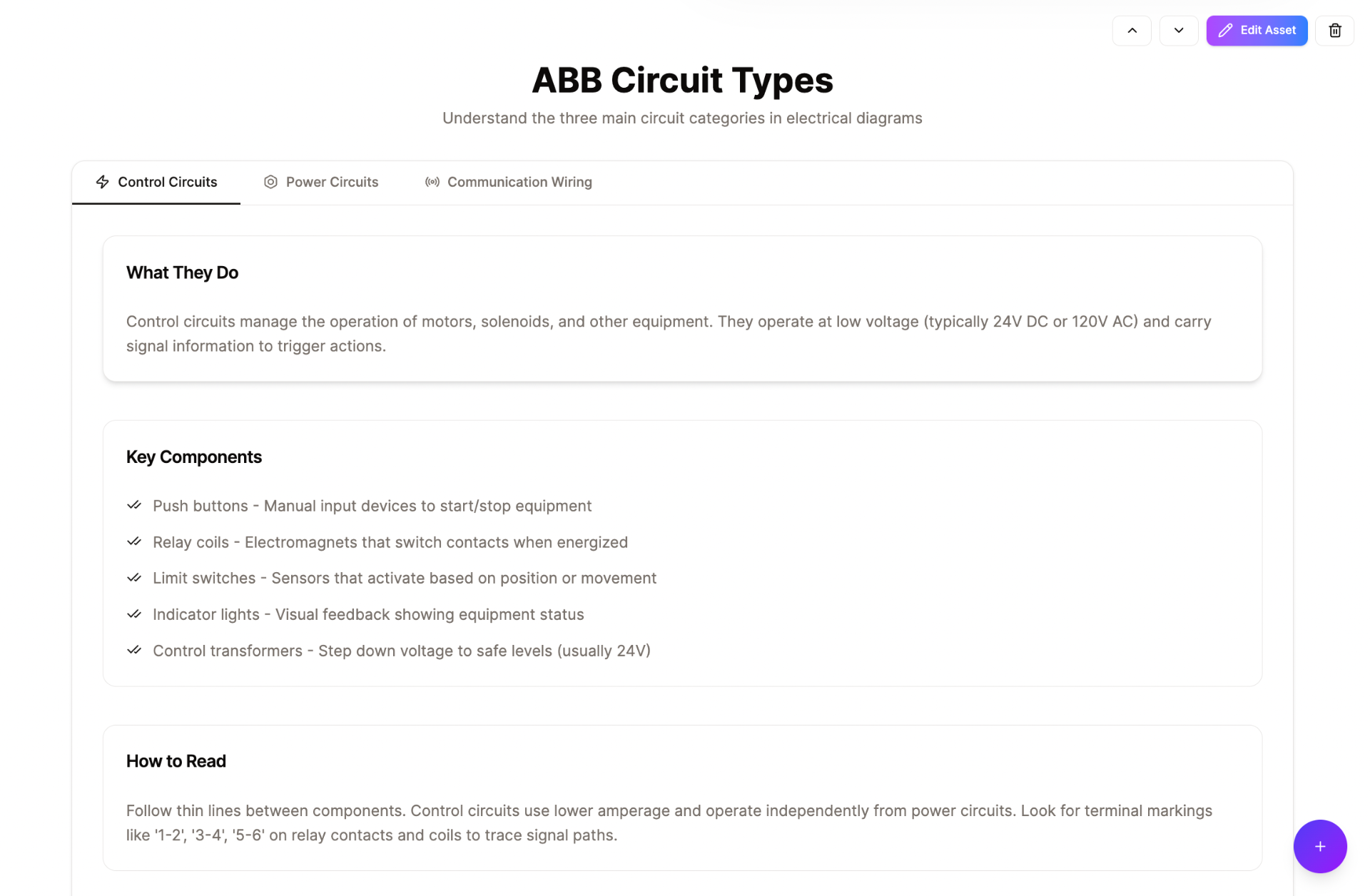
Interactive Tabs
Organize related content into clickable tabs. Lets learners switch between topics without scrolling, keeping information structured and accessible.
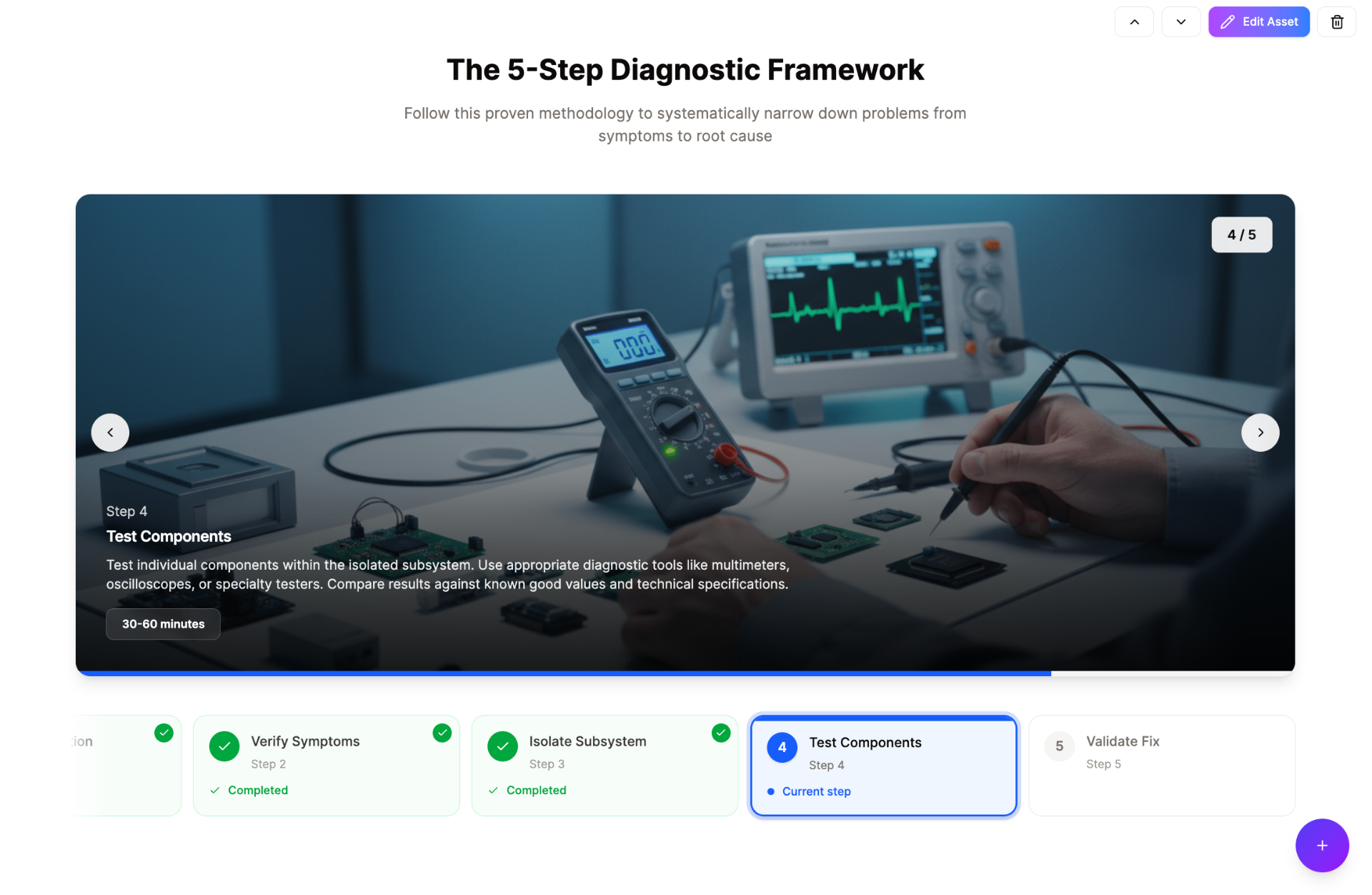
Visual Sequence
Guide learners through multi-step processes with visual progress tracking. Each step includes images, descriptions, and time estimates.
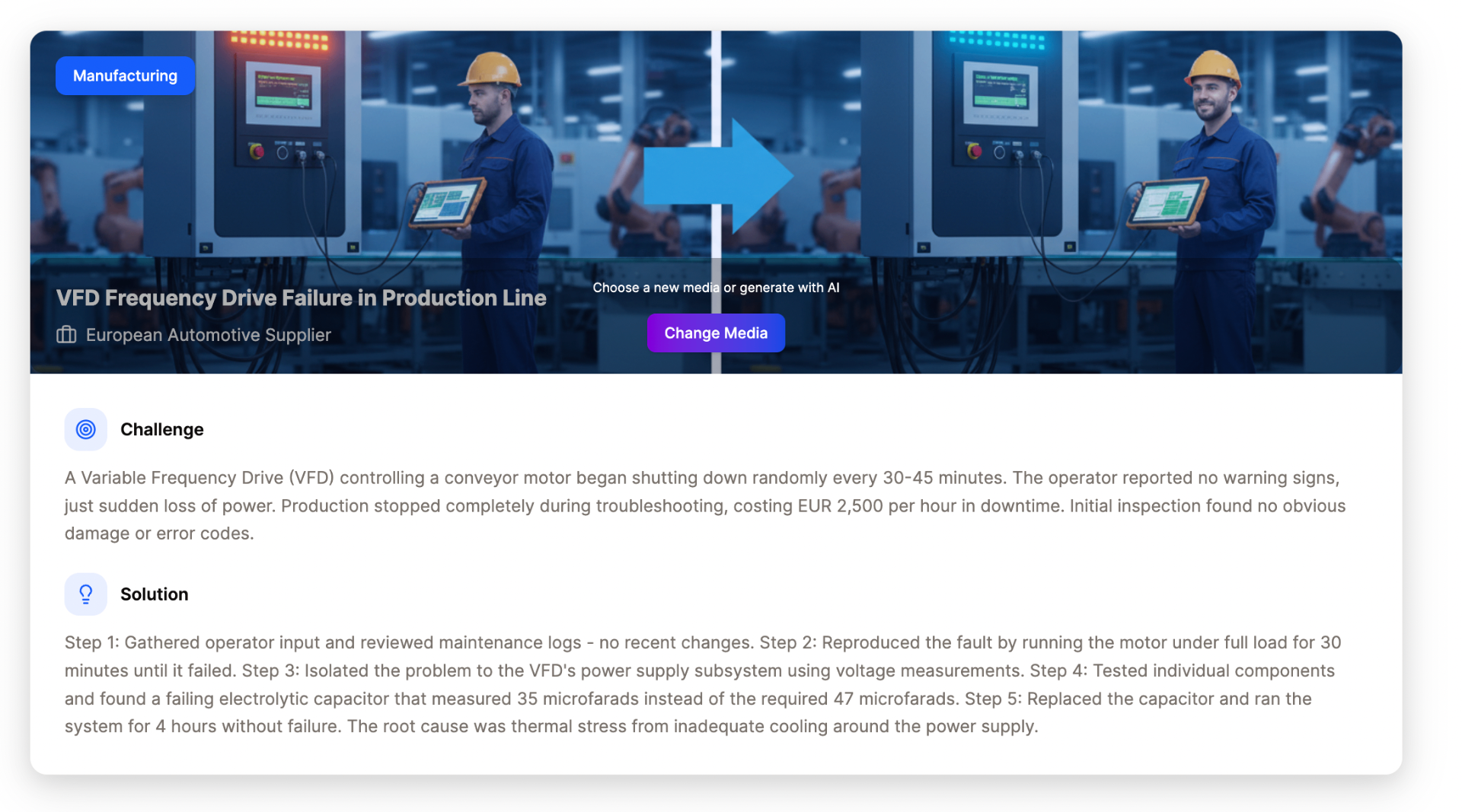
Case Study
Present real-world challenges and solutions in a structured format. Shows before/after scenarios, helping learners connect theory to practical outcomes.
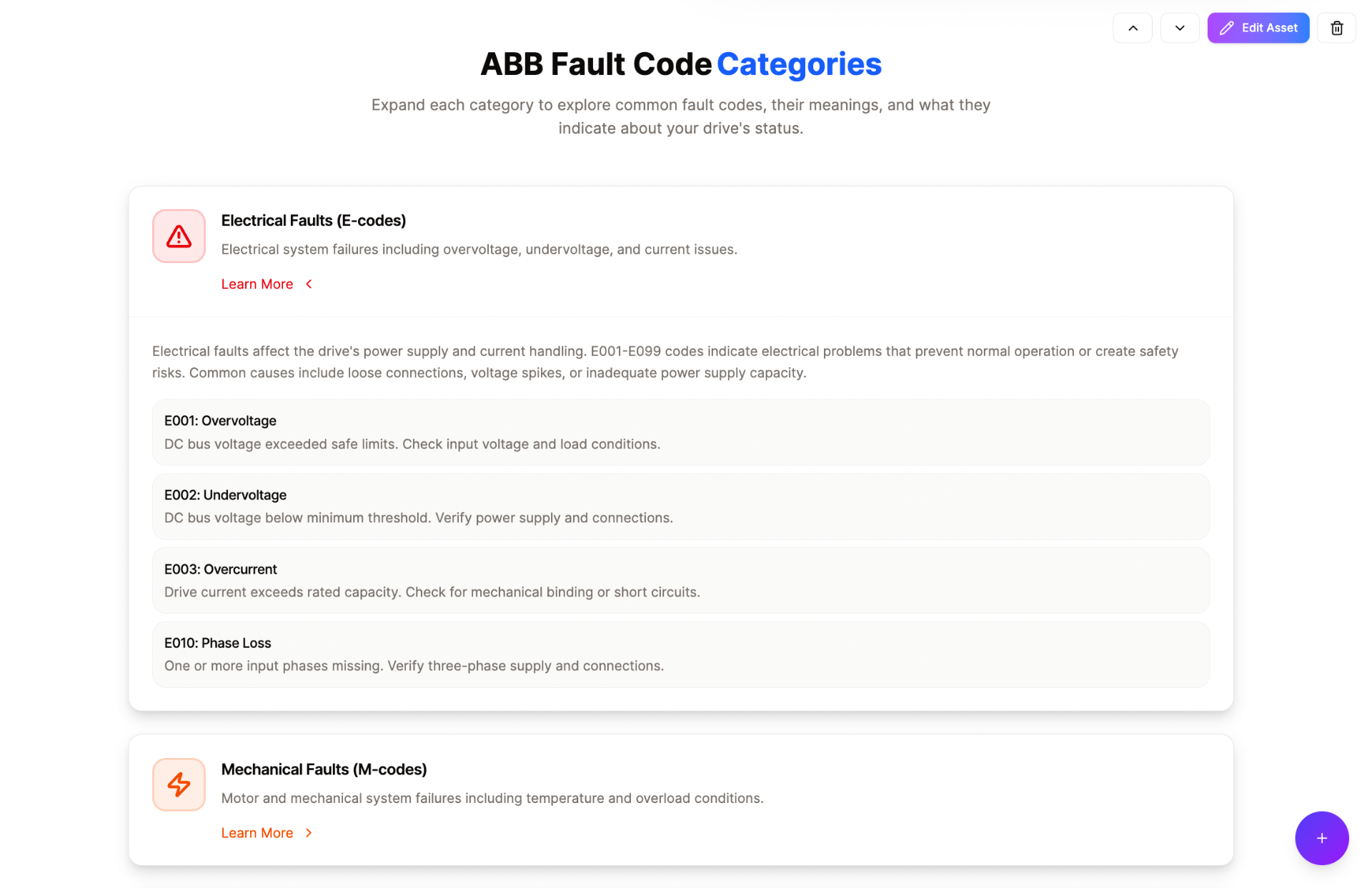
Progressive Disclosure
Reveal detailed information on demand. Learners click to expand topics, reducing cognitive overload while keeping full details accessible.
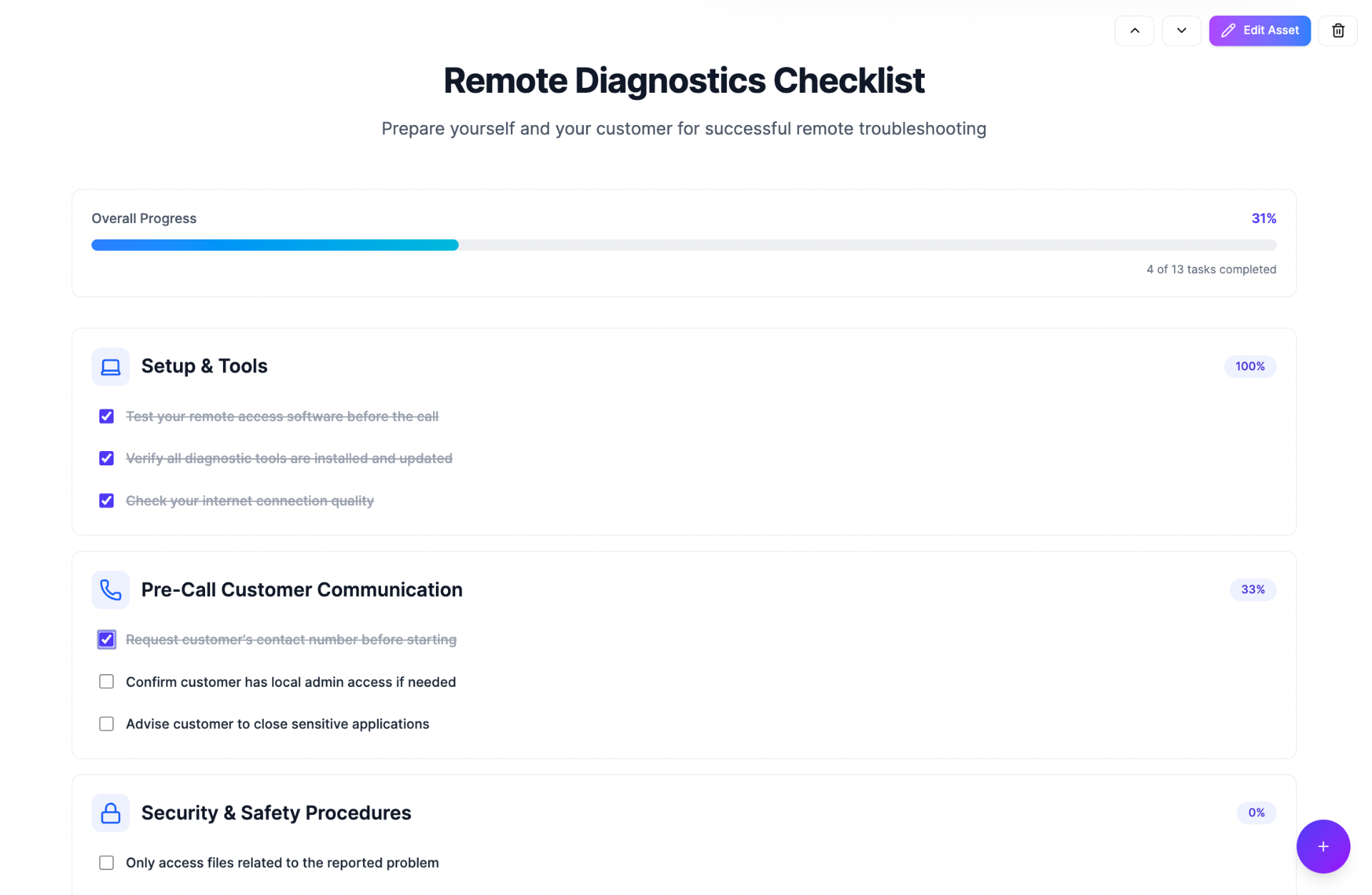
Interactive Checklist
Track task completion with checkable items and progress bars. Ideal for procedures, preparation steps, or compliance verification.
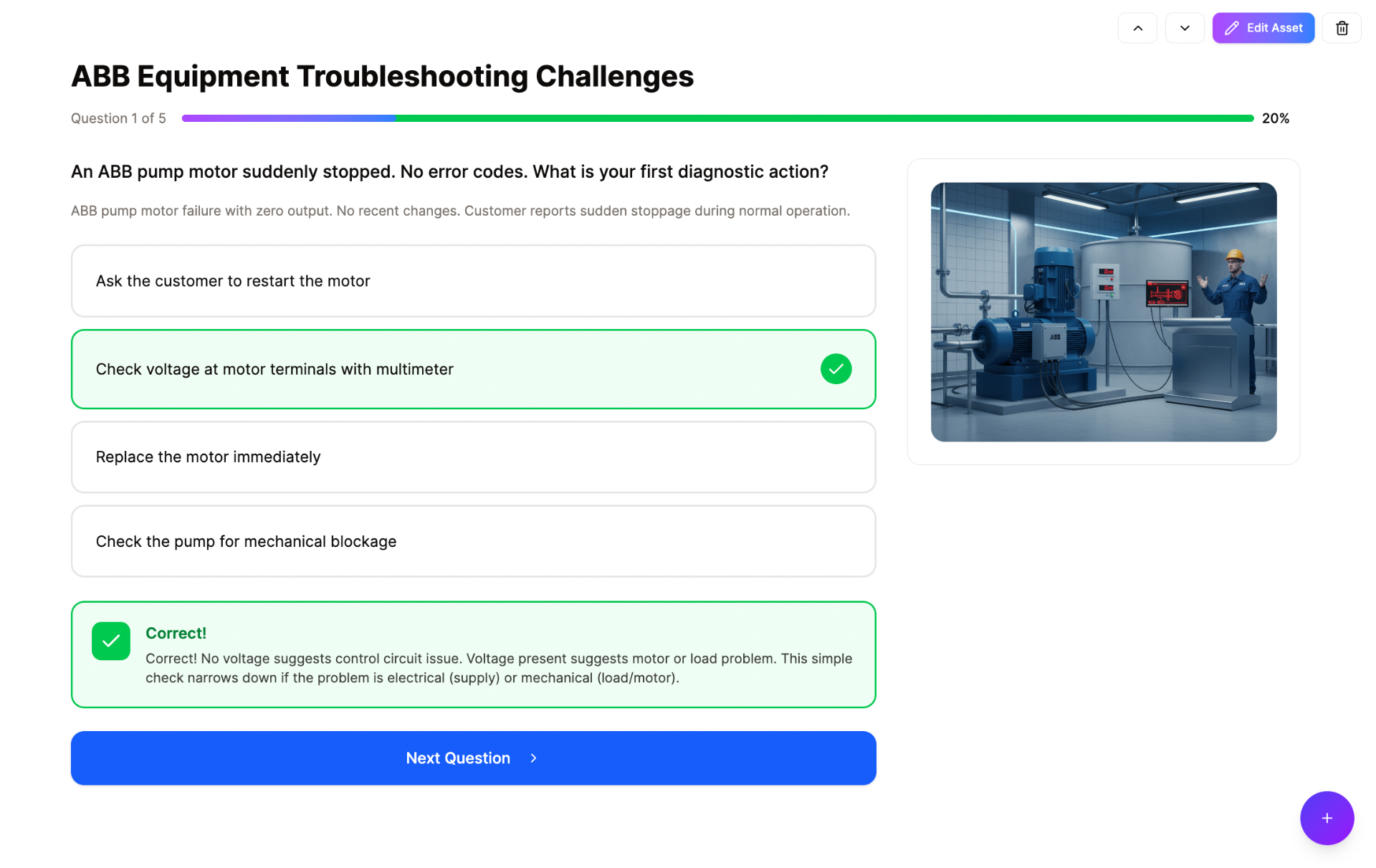
Knowledge Check
Test understanding with in-lesson questions. Provides immediate feedback and explanations, reinforcing learning at key moments.
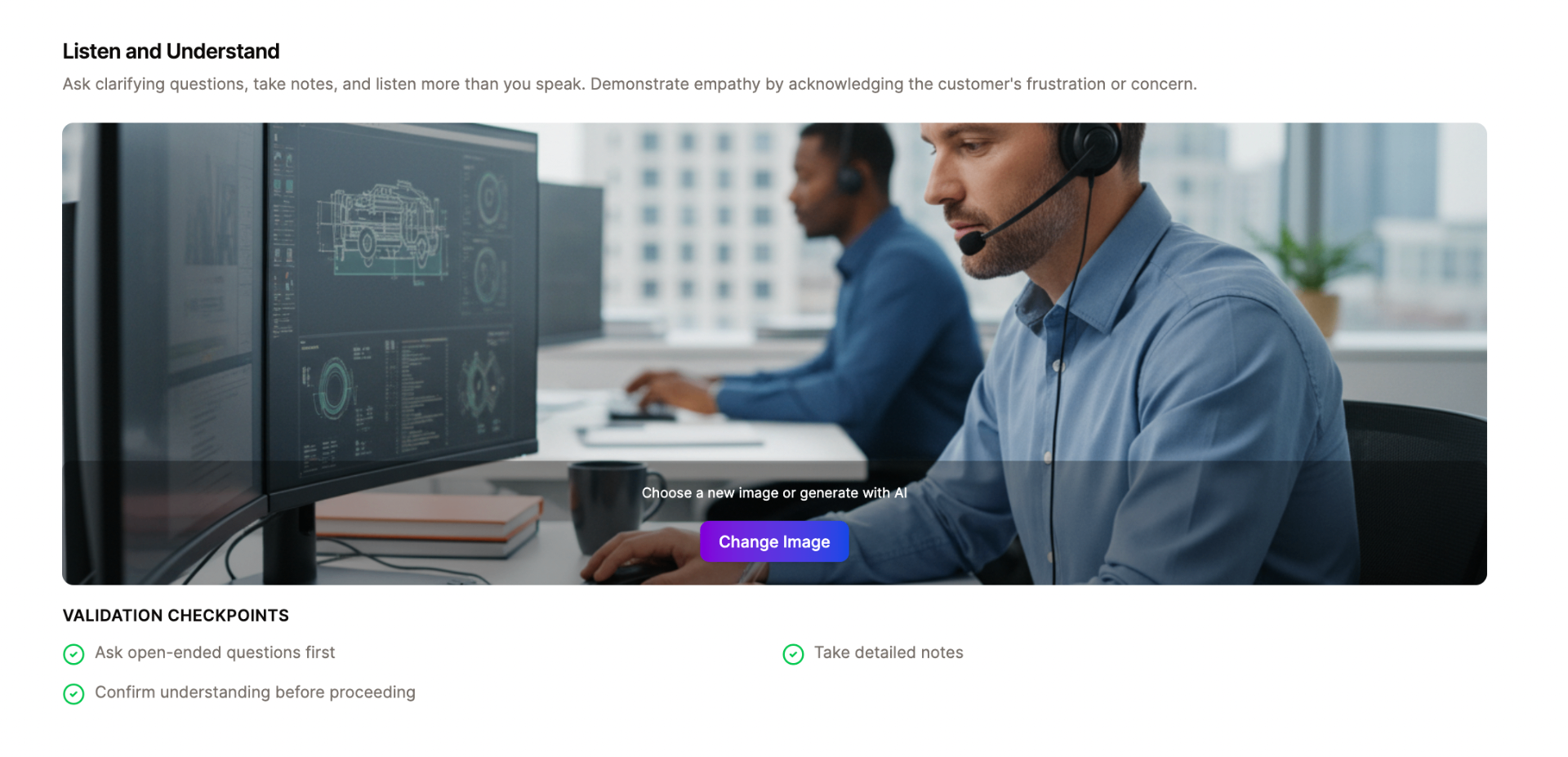
Process Guide
Combine visual imagery with validation checkpoints. Guides learners through procedures with clear steps and confirmation of understanding.
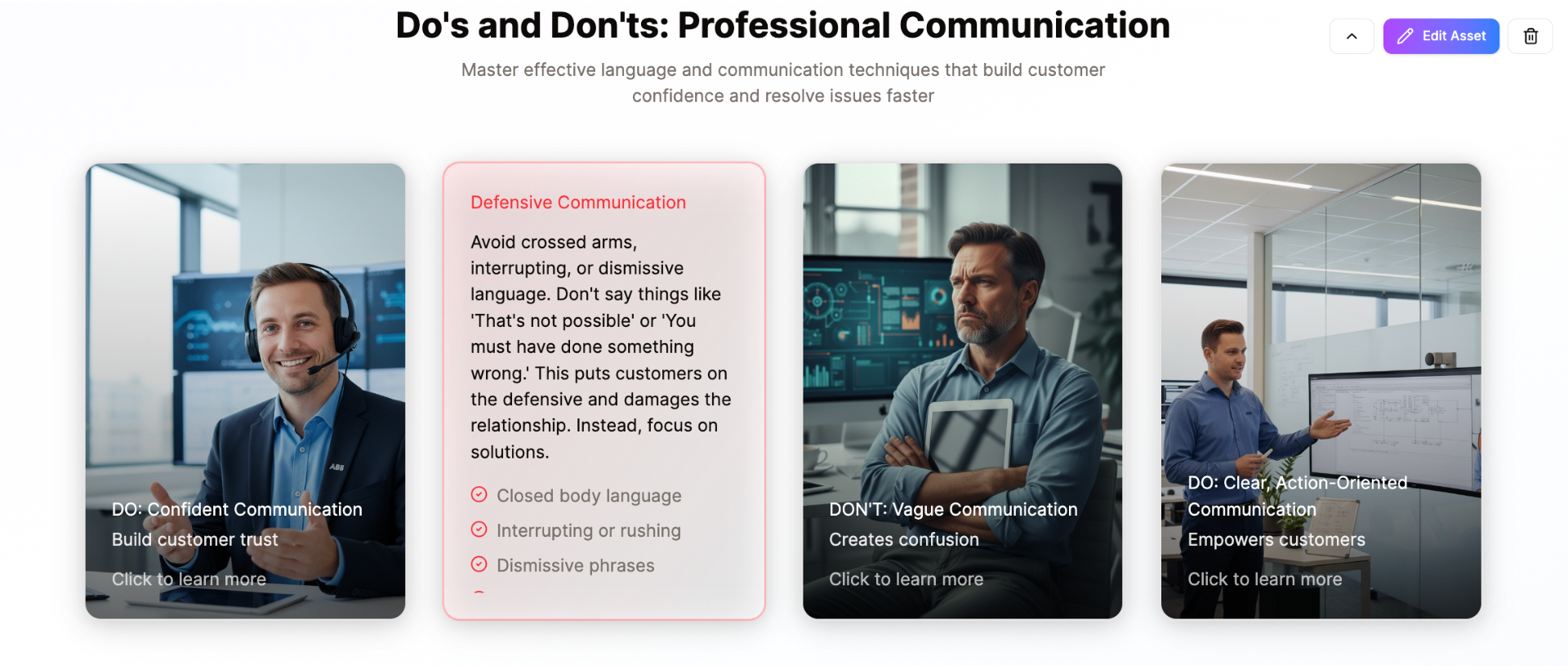
Image Flip Cards
Display concepts with images that flip to reveal details. Great for do's and don'ts, vocabulary, or visual comparisons that encourage interaction.
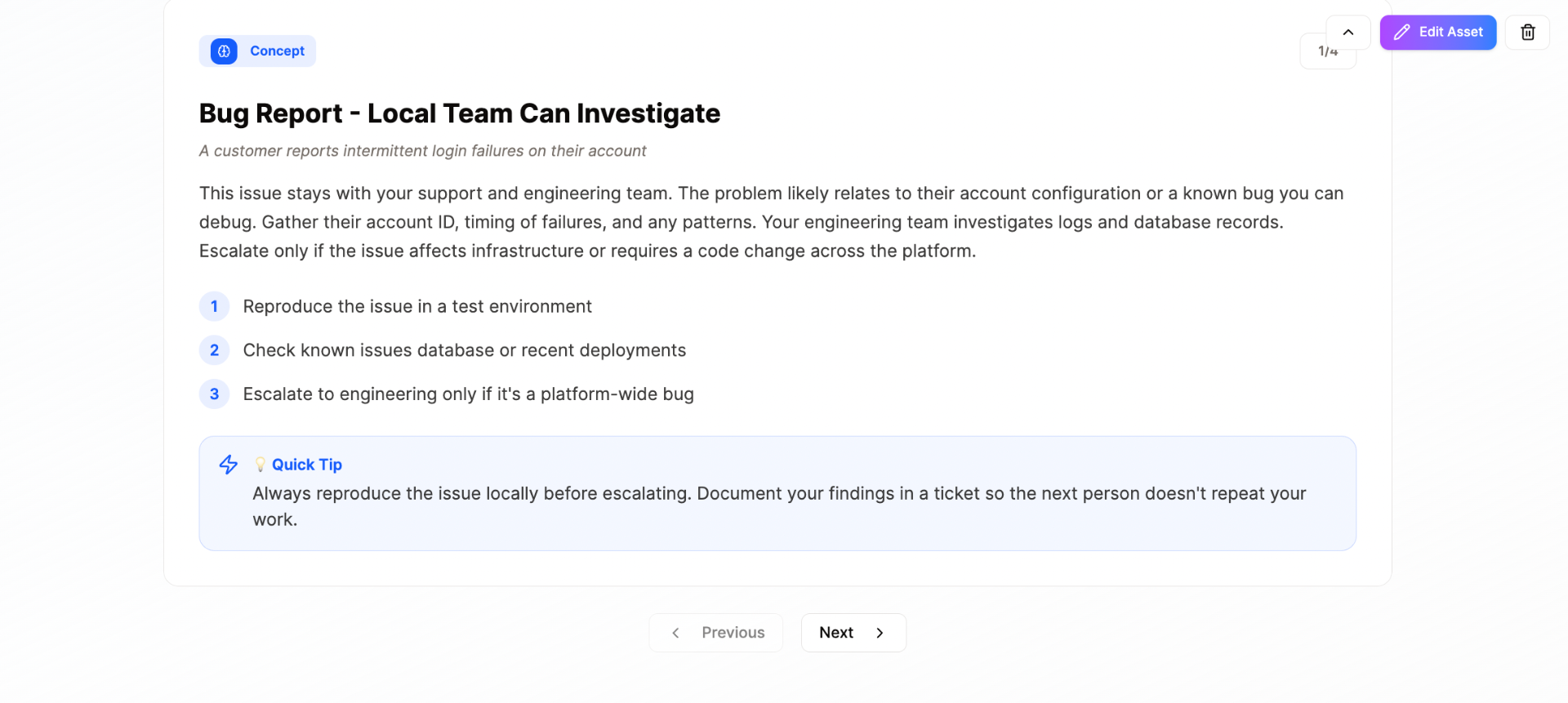
Interactive Carousel
Navigate through related content cards with previous/next controls. Ideal for presenting multiple scenarios, tips, or concepts in sequence.
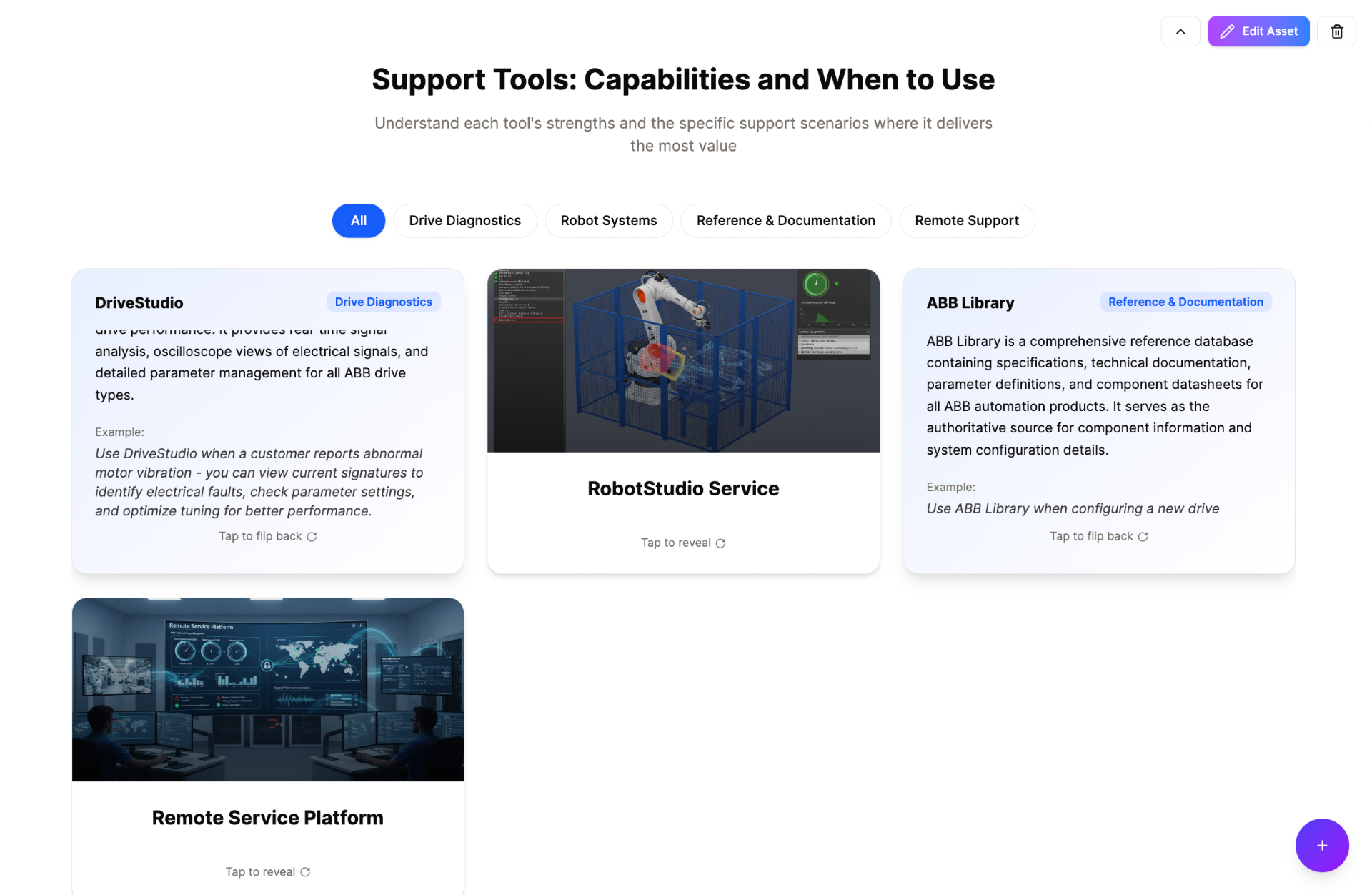
Flip Cards
Filterable cards that reveal detailed information on tap. Perfect for tool overviews, product catalogs, or concept explanations with examples.
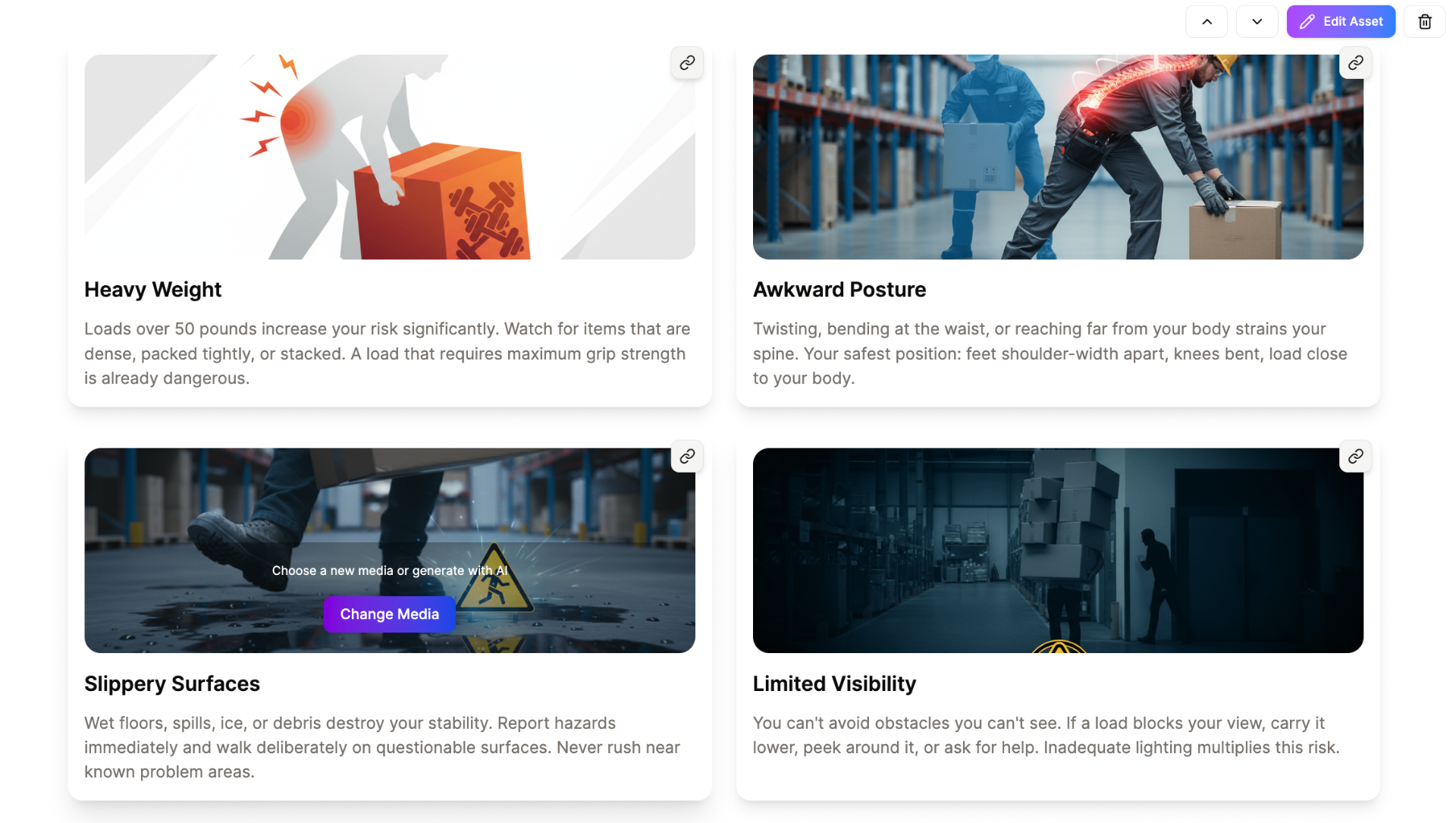
Key Points
Present important concepts with images and explanatory text in a grid layout. Highlights critical information learners need to remember.
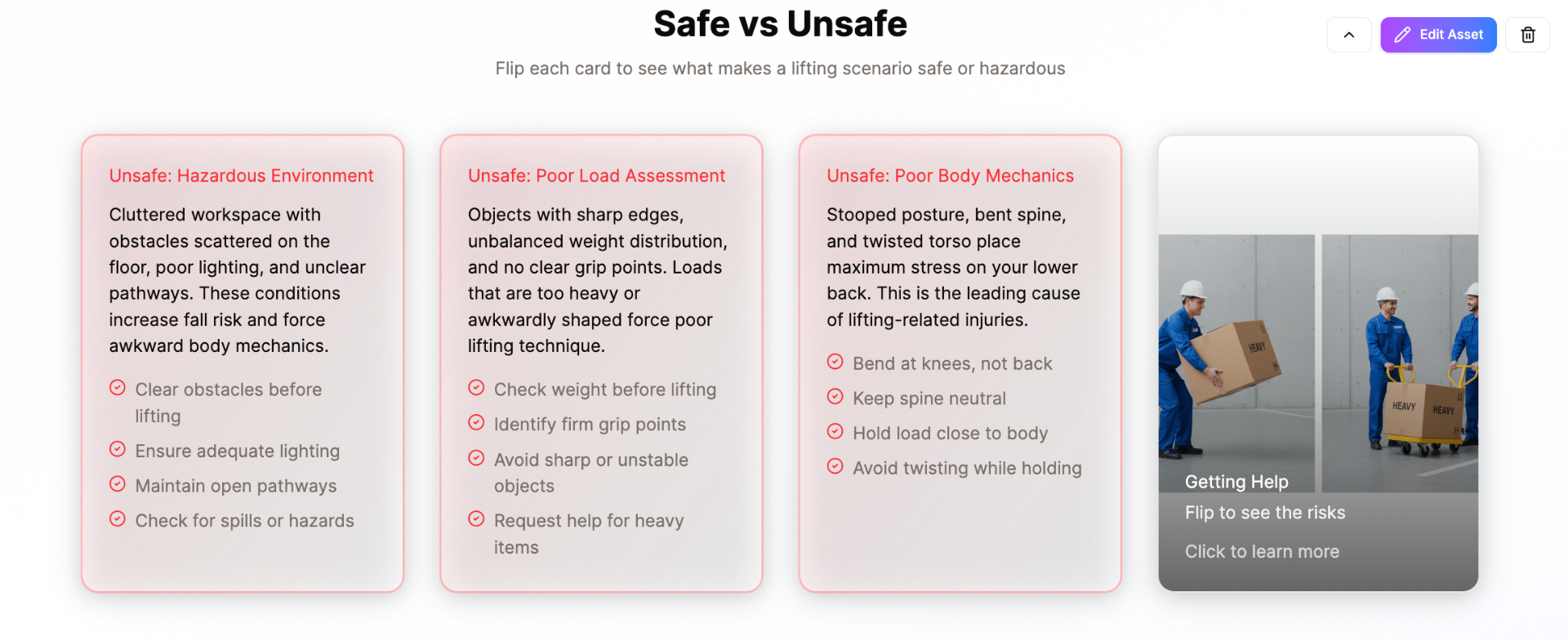
Image & Text Flip Cards
Cards with images that flip to reveal text explanations. Ideal for safe vs unsafe comparisons, do's and don'ts, or revealing hidden details.
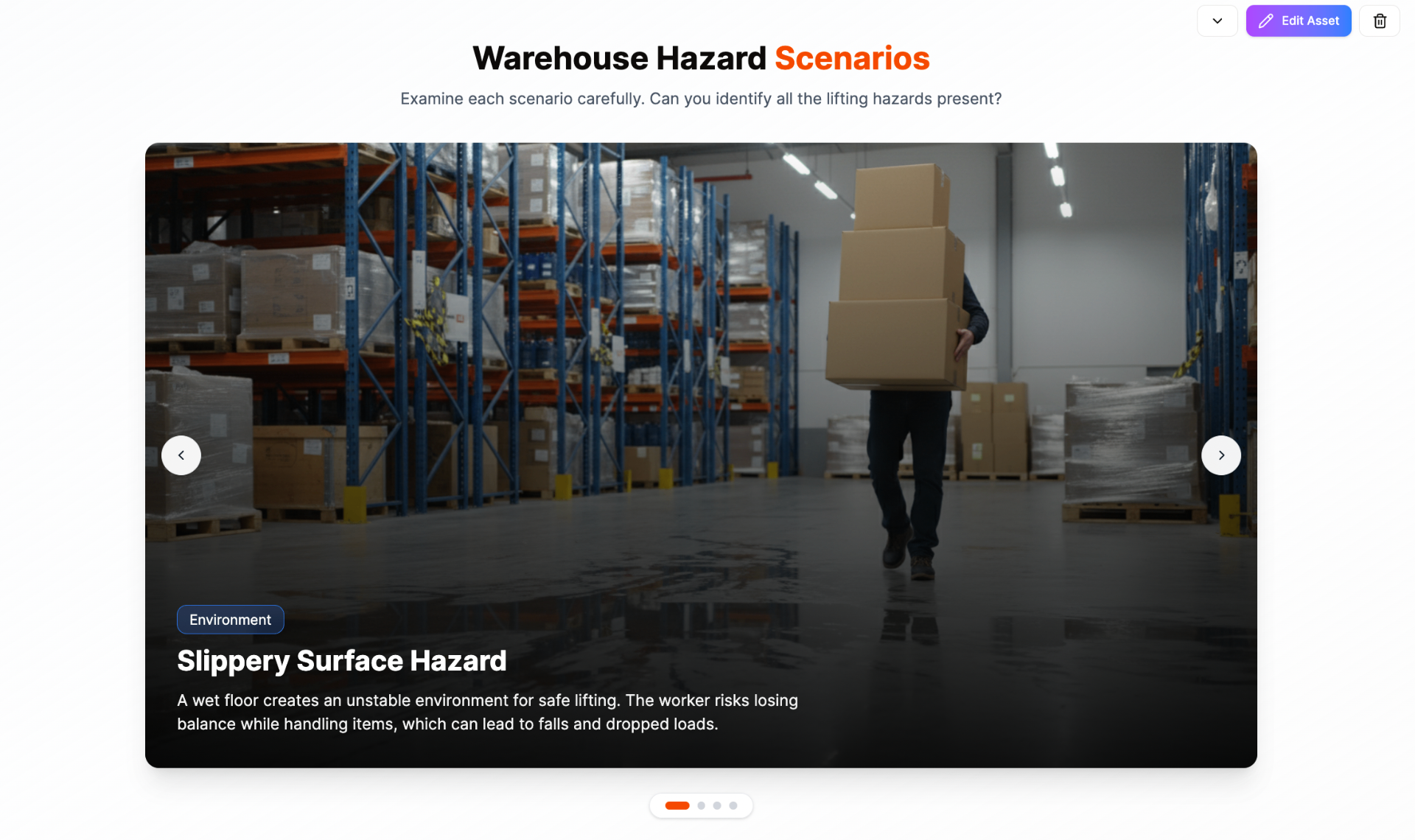
Image Carousels
Full-width image galleries with overlaid text and navigation. Showcase scenarios, locations, or visual examples that learners can browse through.
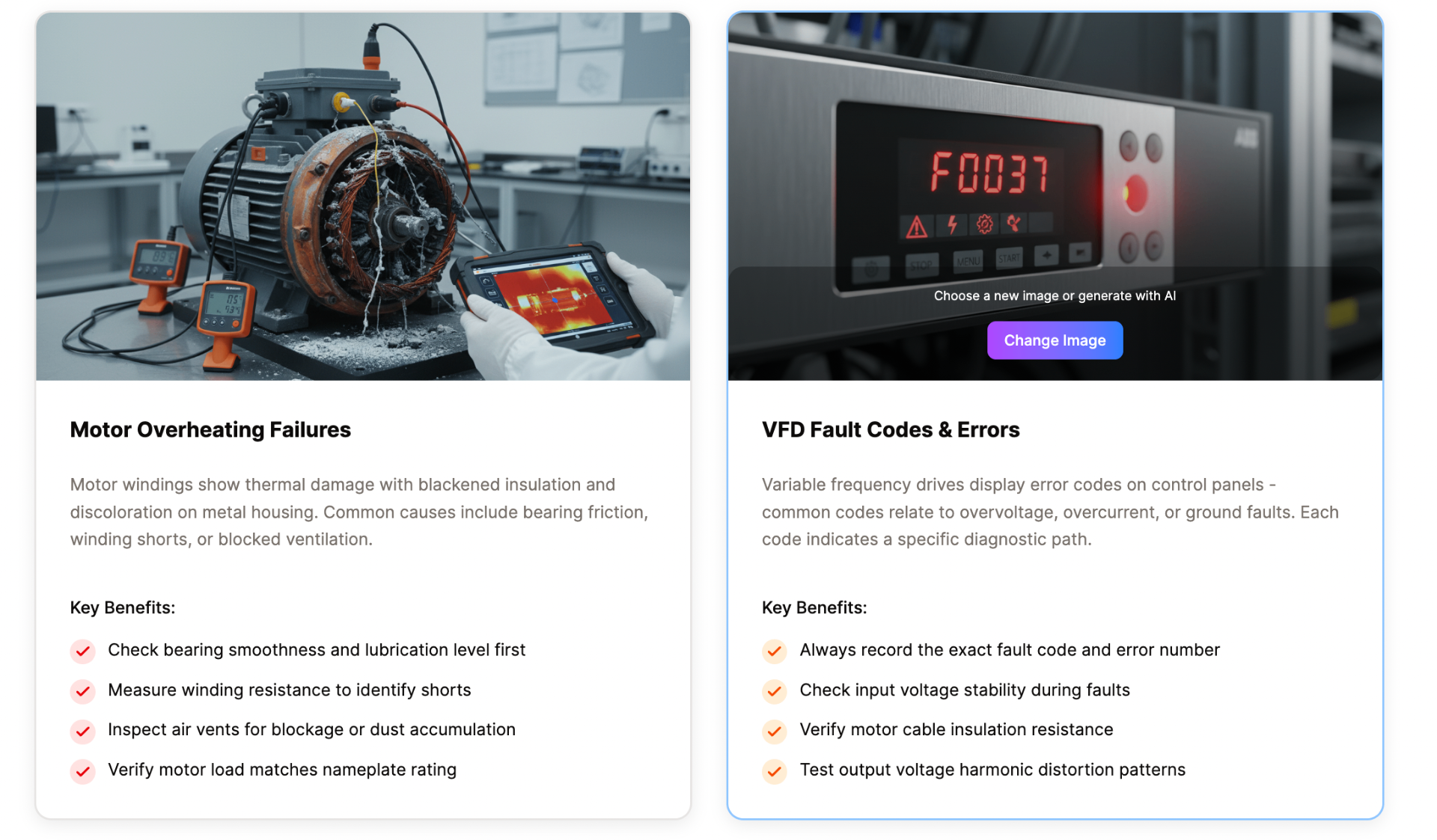
Strategy Cards
Side-by-side cards with images, descriptions, and actionable bullet points. Perfect for presenting troubleshooting approaches or best practices.
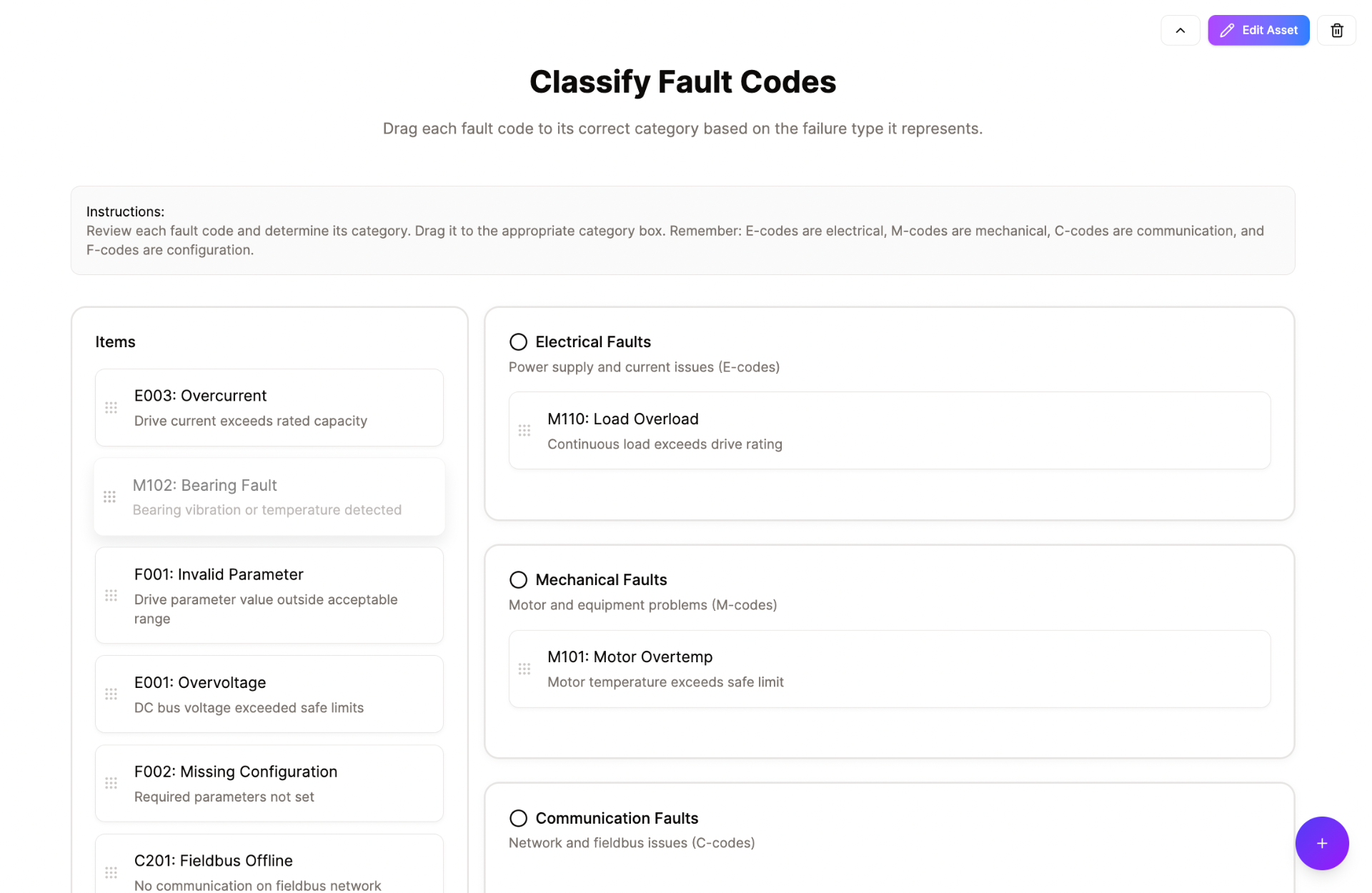
Drag & Drop Exercise
Categorization activities where learners drag items into correct groups. Reinforces classification skills and tests understanding of categories.
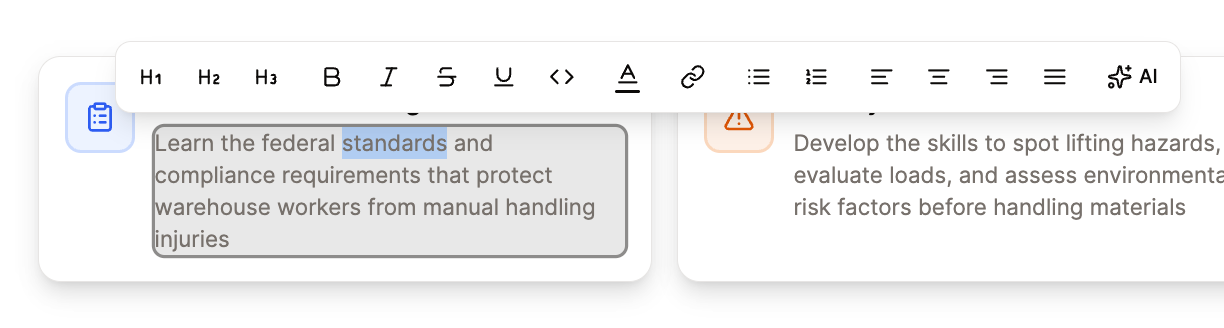
Text Editor
Rich text editing with formatting options like headings, bold, italic, lists, links, and alignment. Enables precise control over content presentation.
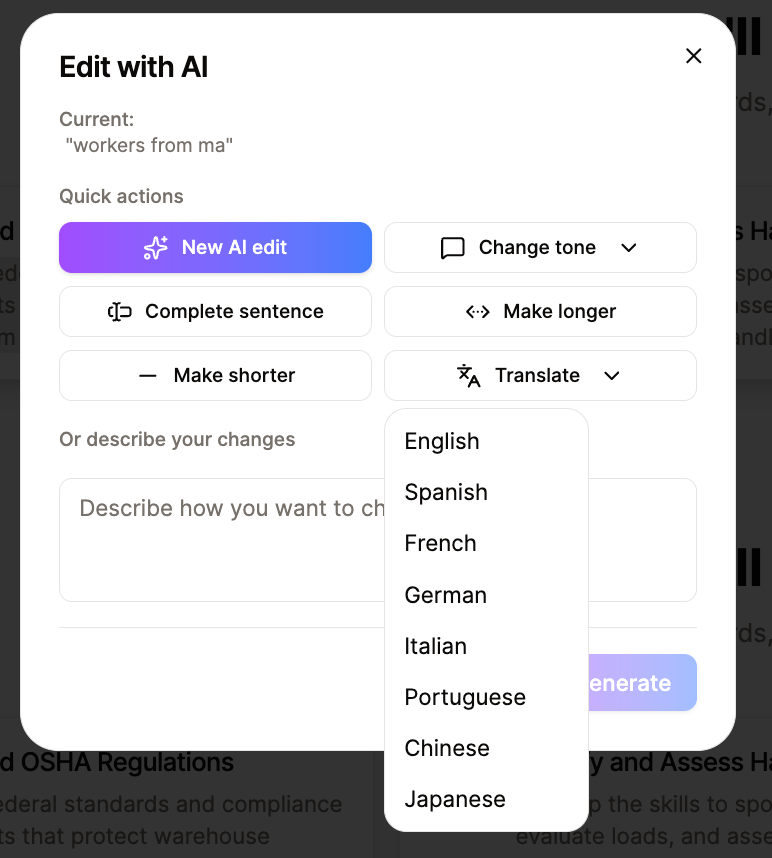
Translate to Other Languages
AI-powered translation to 8+ languages including Spanish, French, German, Chinese, and Japanese. Instantly localize your training content for global audiences.
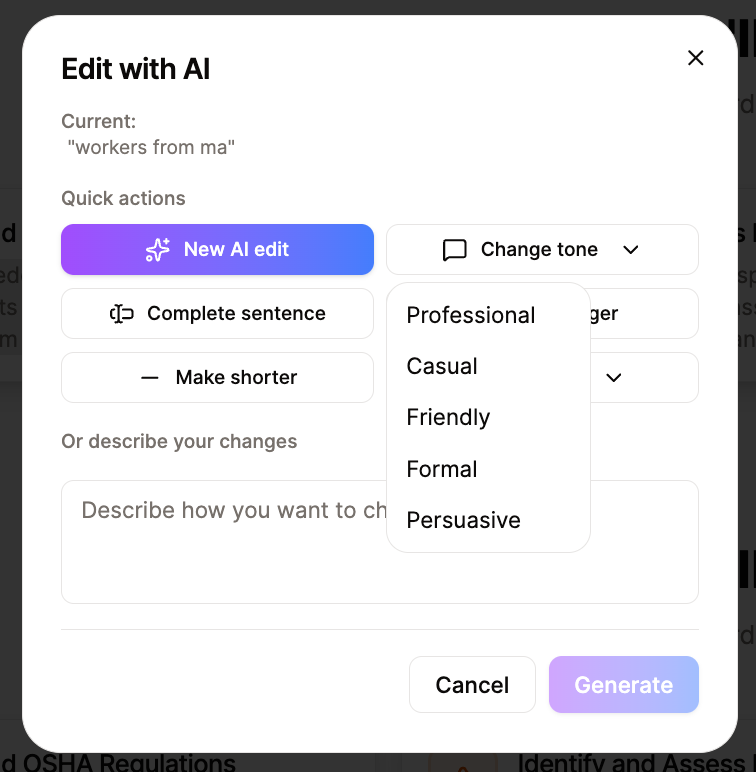
Change Tone of Voice
AI-powered tone adjustment with options for Professional, Casual, Friendly, Formal, and Persuasive. Adapt your content style to match your audience and brand voice.
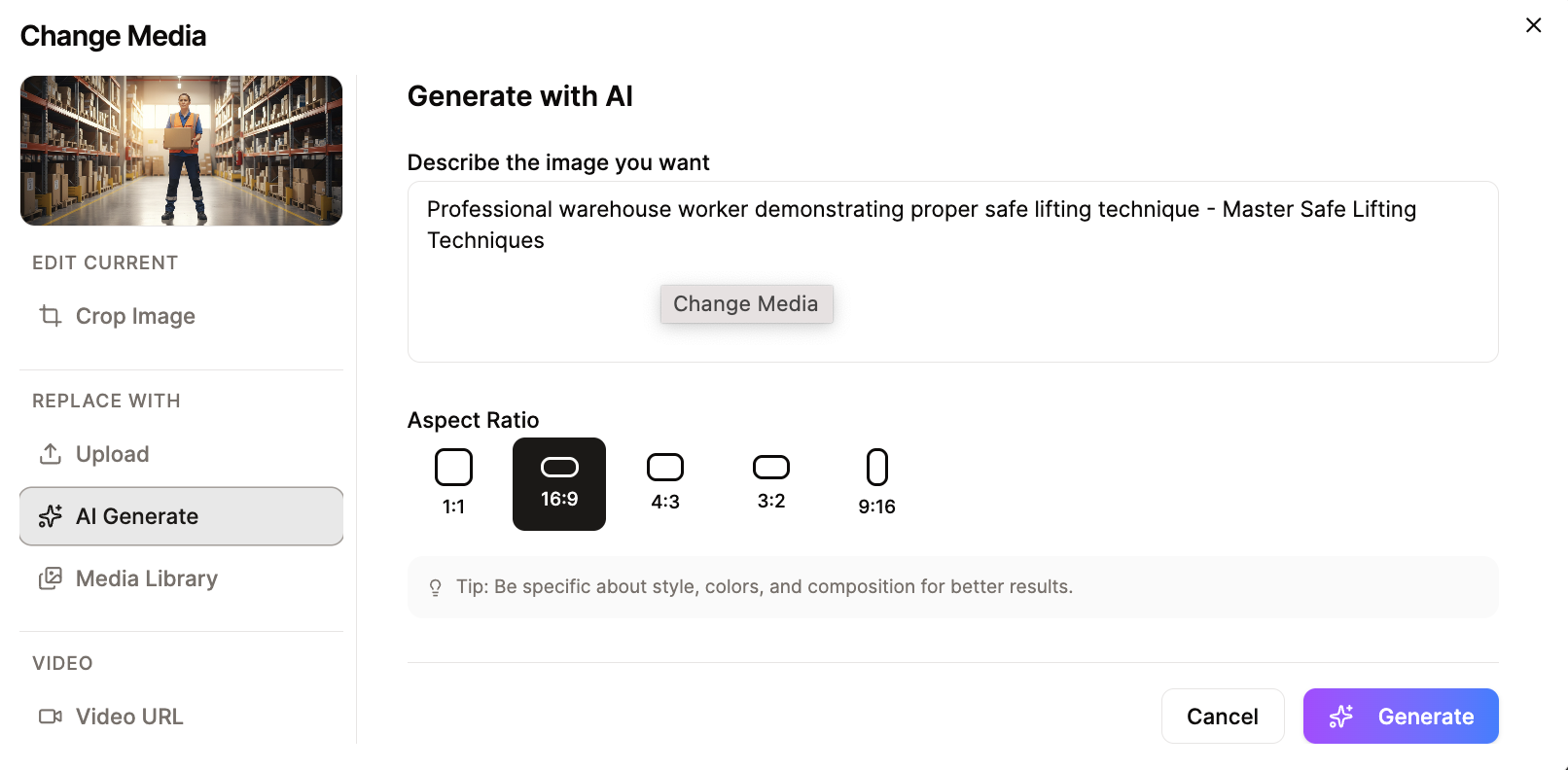
Generate Images with AI
Create custom visuals from text descriptions with multiple aspect ratio options (1:1, 16:9, 4:3, 3:2, 9:16). No need for stock photos — generate contextually relevant images that perfectly match your training content.
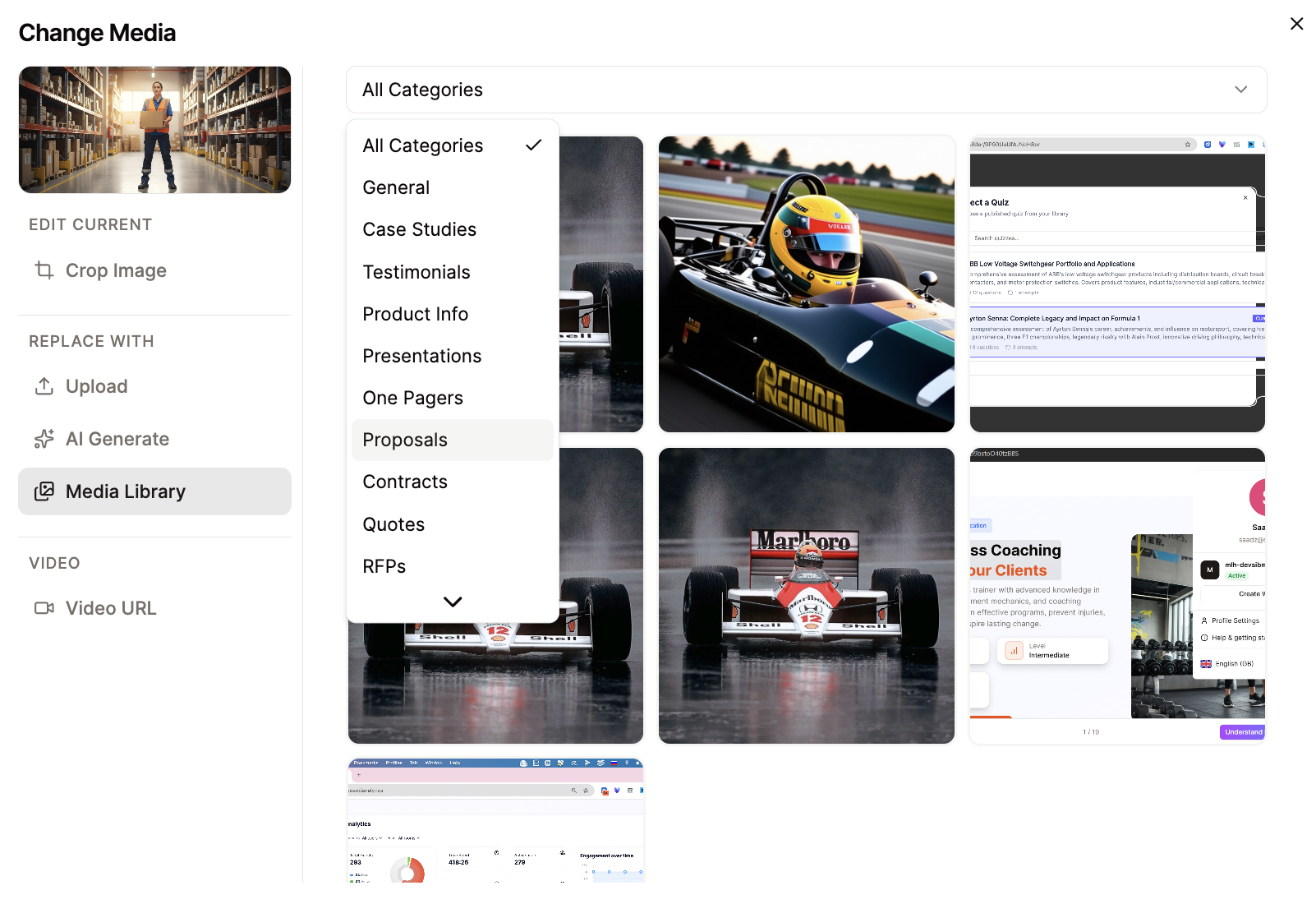
Media Library
Keep your media organized with categories and tags. Browse and reuse images across courses with categories like Case Studies, Testimonials, Product Info, Presentations, and more. Find the perfect visual assets instantly.
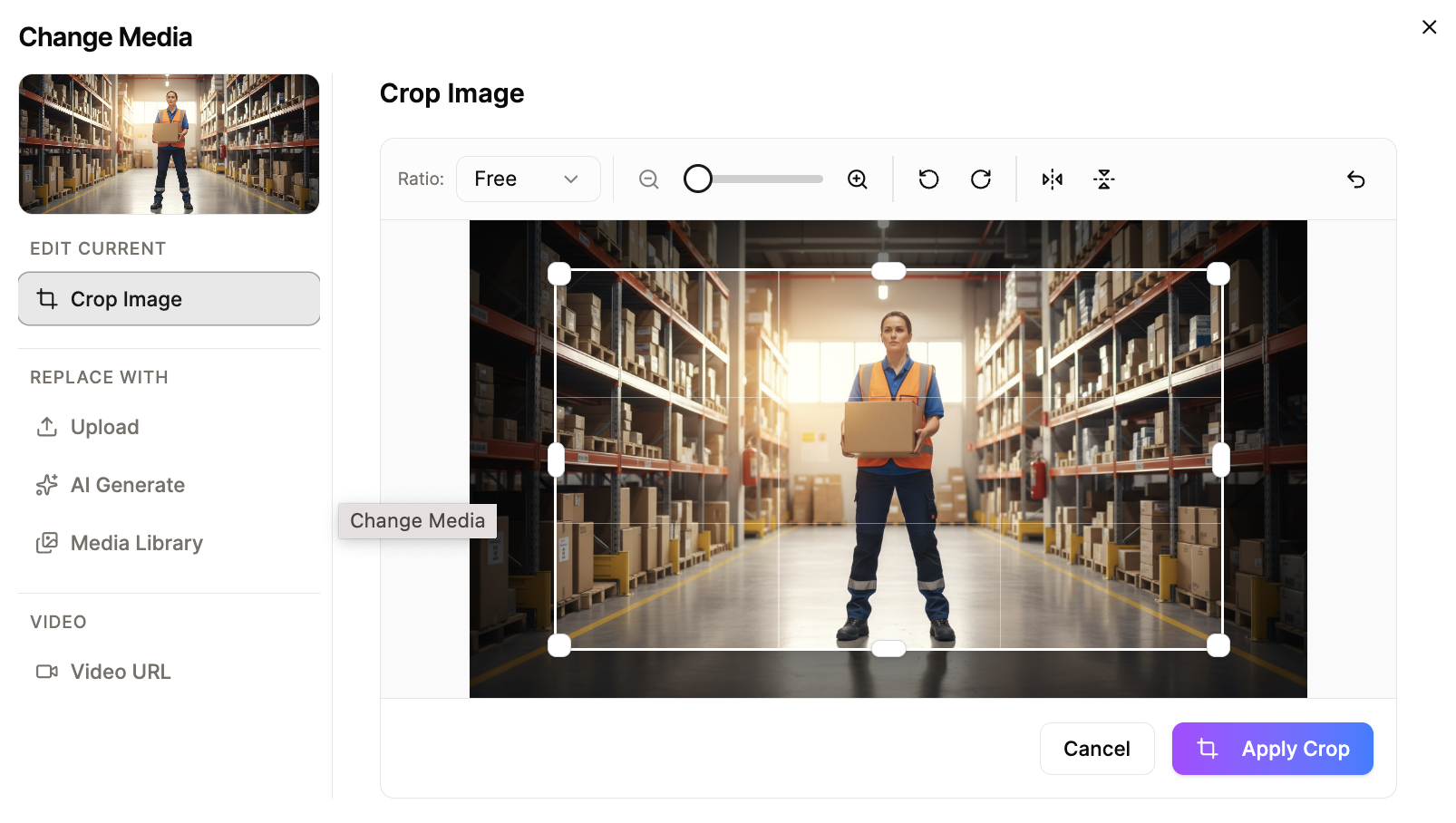
Crop Images
Built-in image editor with flexible cropping, zoom controls, and rotation. Adjust aspect ratios freely or use preset options to ensure images fit perfectly in your course layouts.
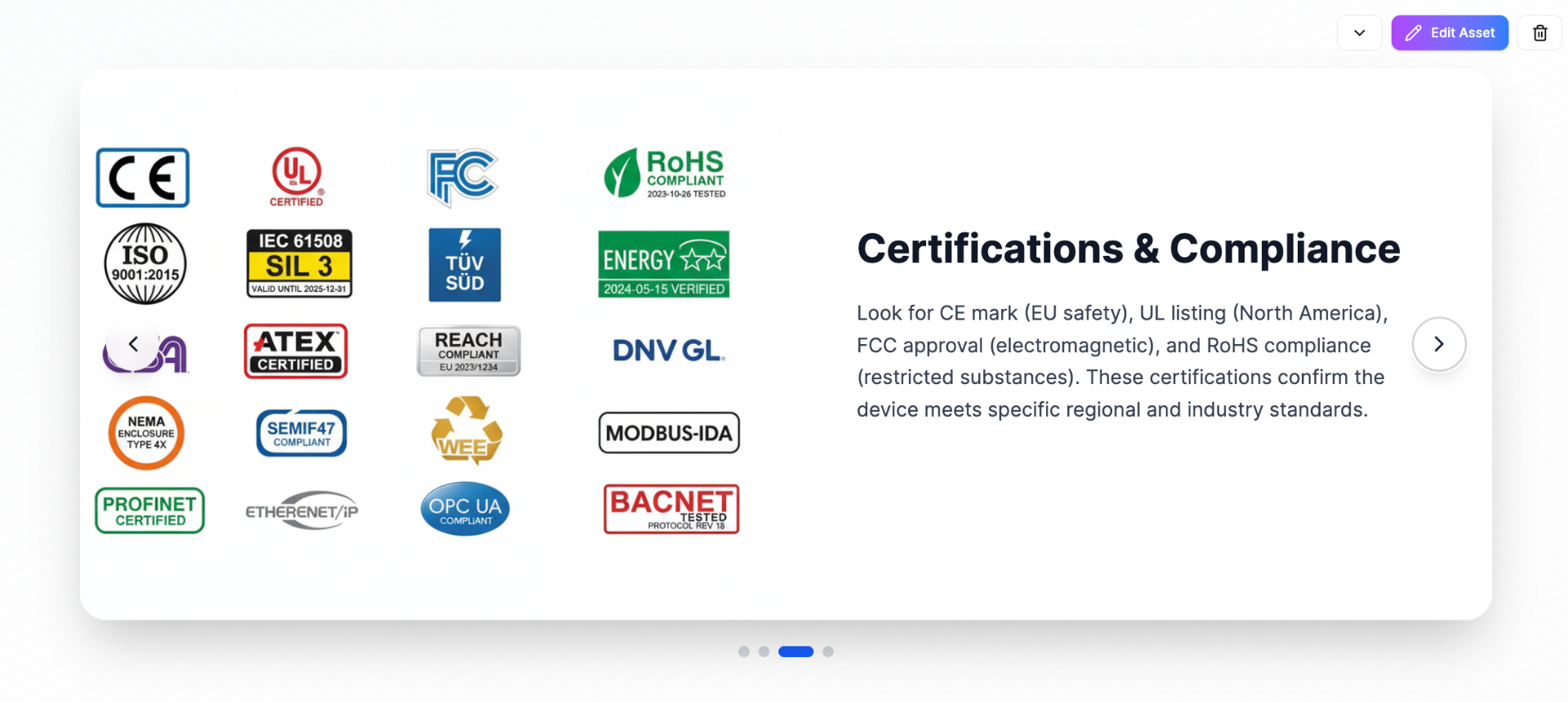
Carousels
A series of content panels that users can cycle through. Displays multiple pieces of related information efficiently — ideal for showcasing galleries or step-by-step processes without taking up excessive space.
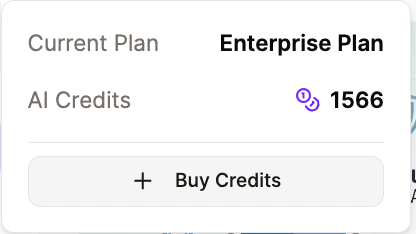
AI Credits Management
Track your AI credit usage in real-time and purchase additional credits when needed. Transparent usage monitoring helps you manage costs and plan content creation efficiently.
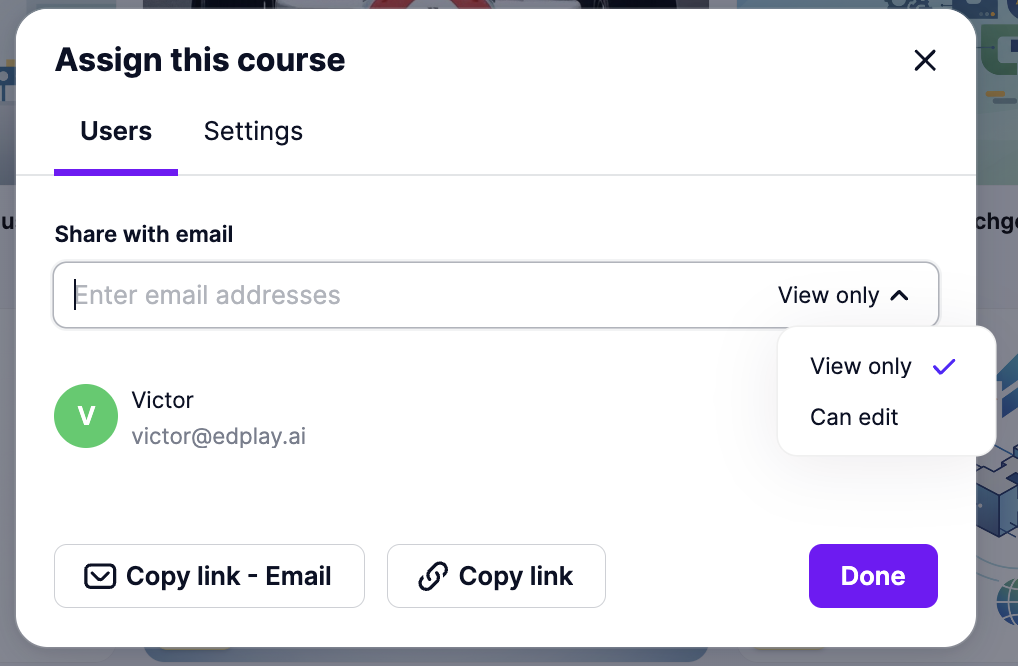
Course Sharing & Permissions
Share courses with team members via email with granular permissions. Assign View-only or Edit access, copy shareable links, and manage collaborators easily.
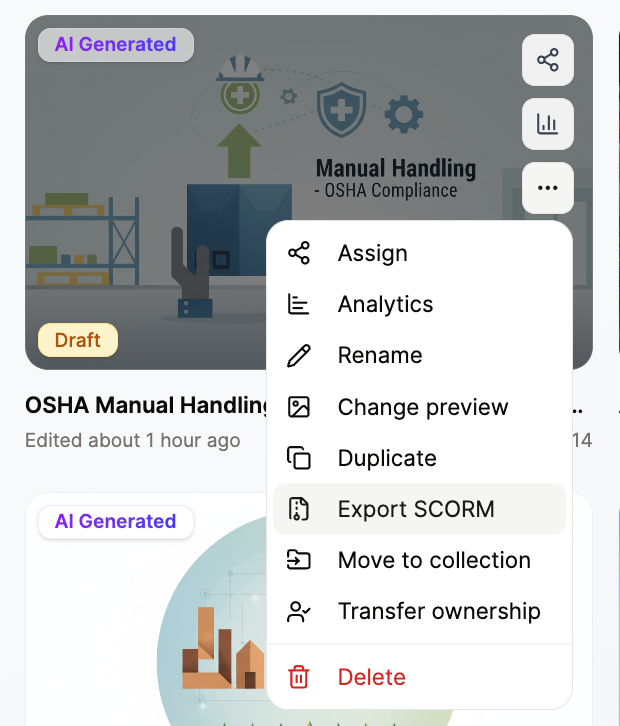
Course Management
Full control over your courses with quick actions: assign to learners, view analytics, rename, duplicate, export SCORM, organize into collections, transfer ownership, or delete.
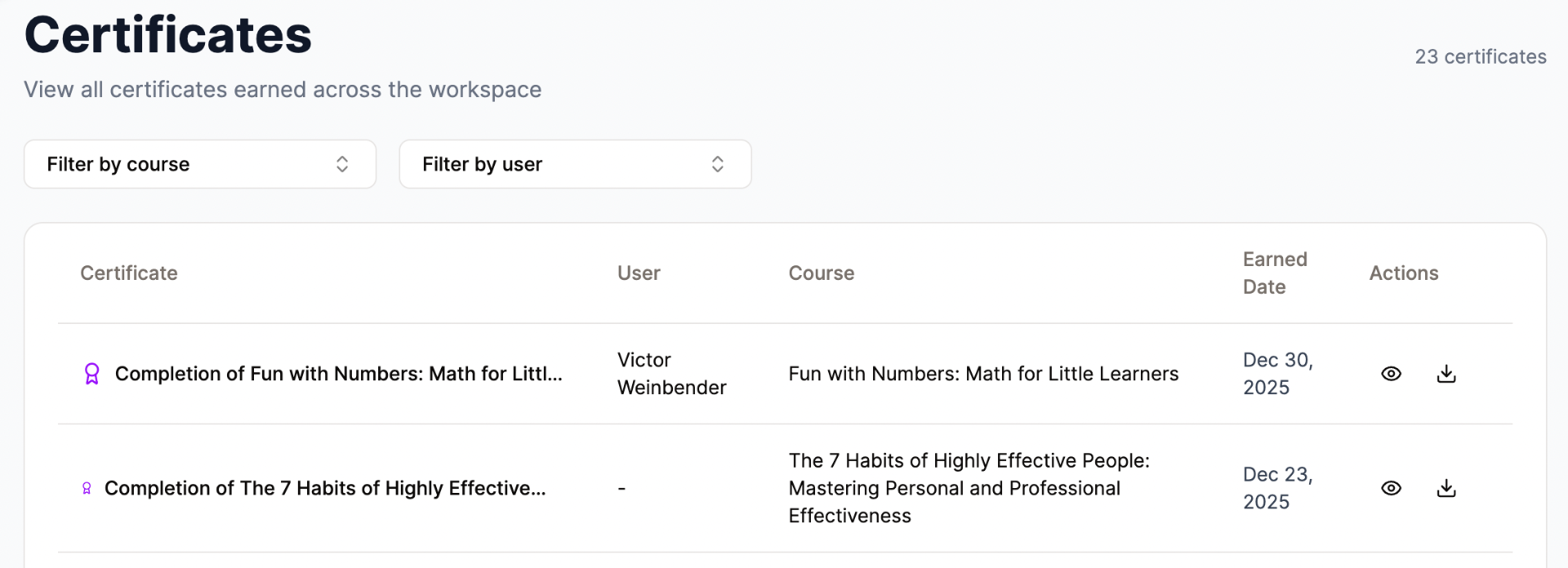
Certificate Management
View and manage all certificates earned across your workspace. Filter by course or user, track earned dates, preview certificates, and download them for learners.
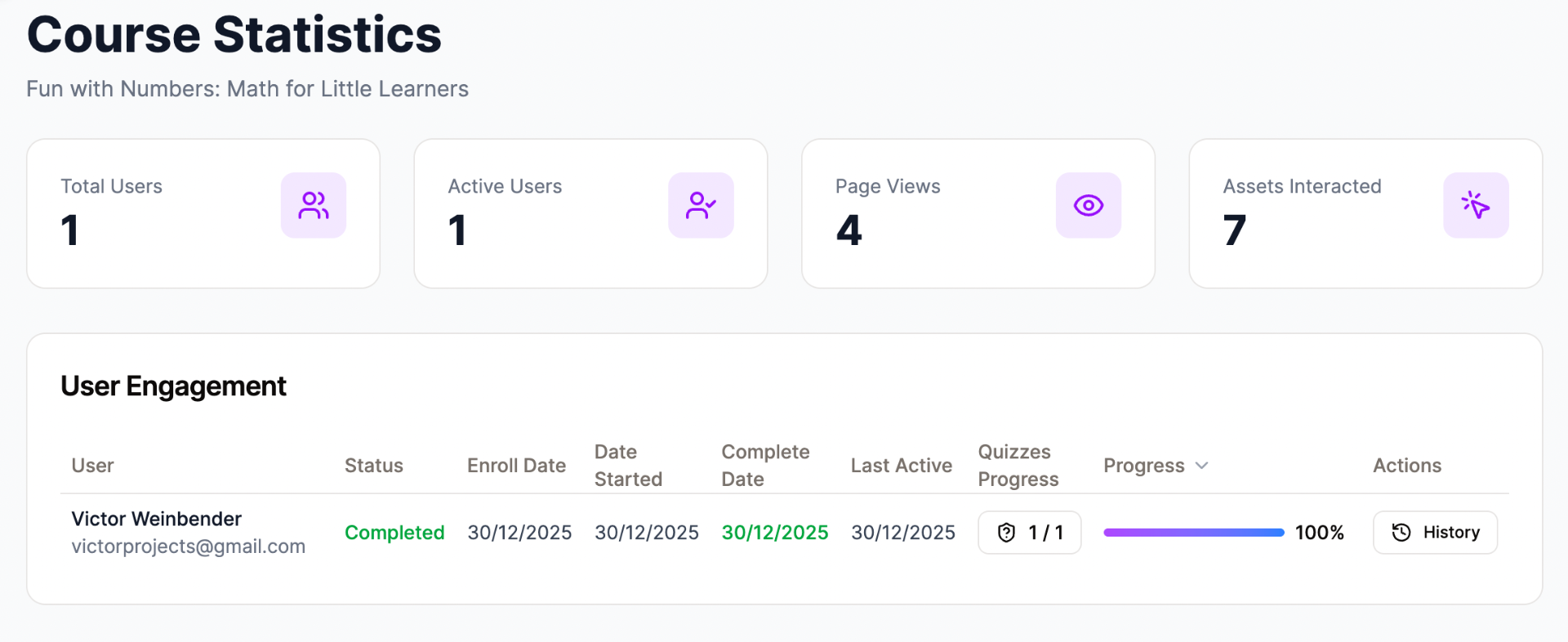
Course Analytics
Track learner engagement with detailed statistics: total users, active users, page views, and asset interactions. Monitor individual progress, quiz completion, and access full learning history.
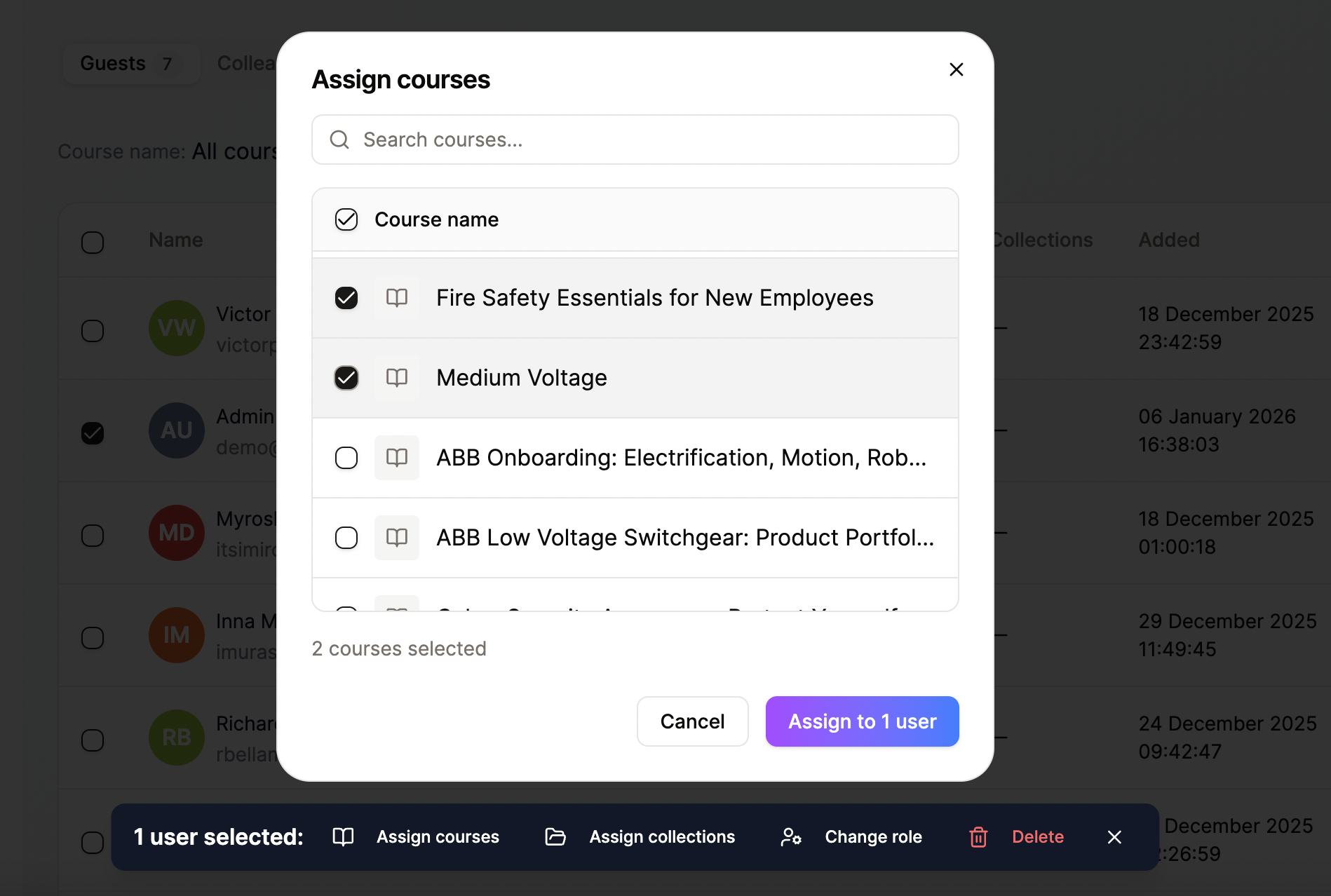
Bulk Actions
Efficiently assign courses or collections to multiple users at once. Select learners, choose courses, and deploy training in bulk—saving time and streamlining onboarding.
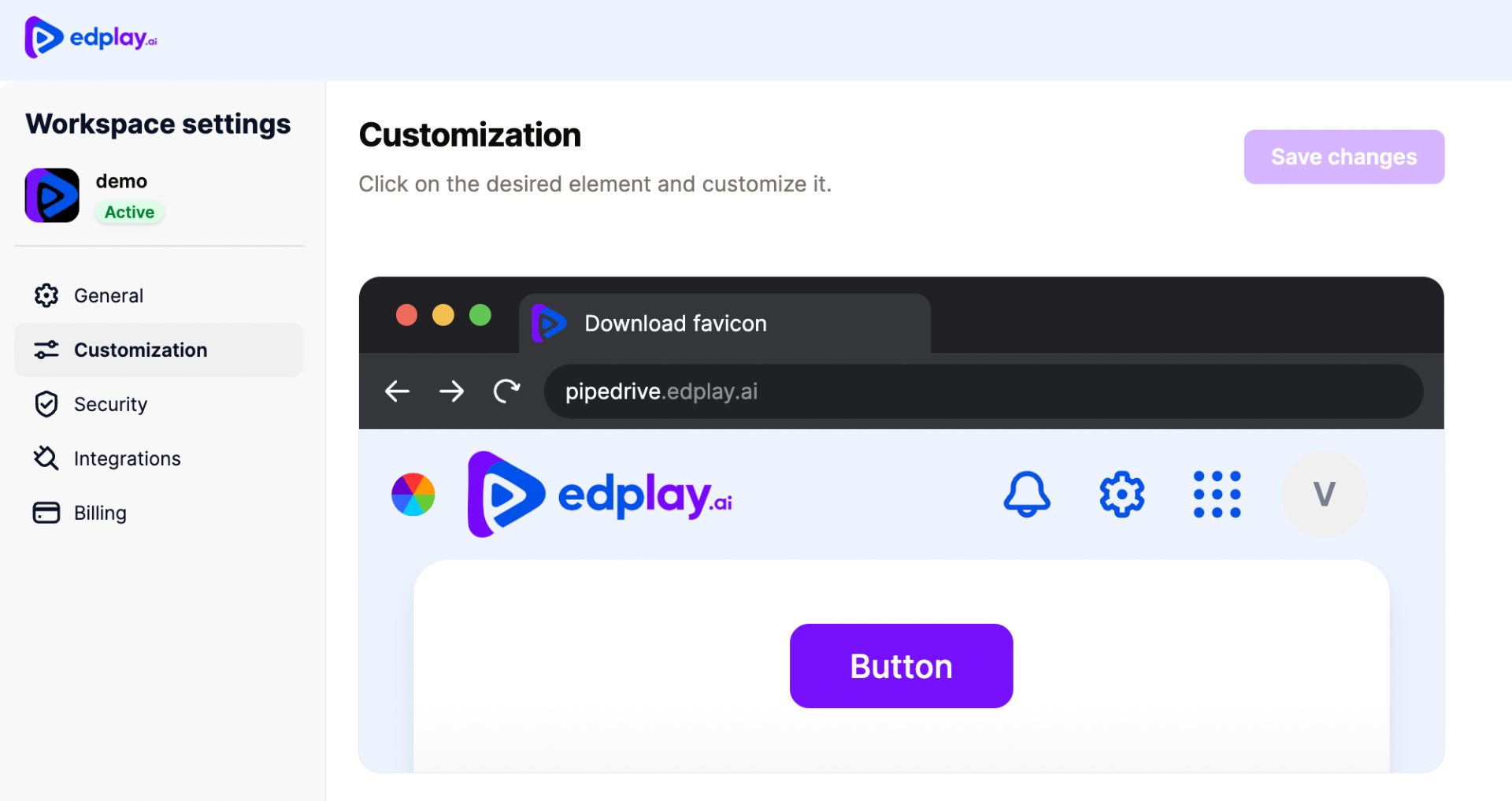
Workspace Branding
Customize the look and feel of your workspace with your own logo, favicon, brand colors, and custom subdomain. Create a seamless branded experience for your learners.
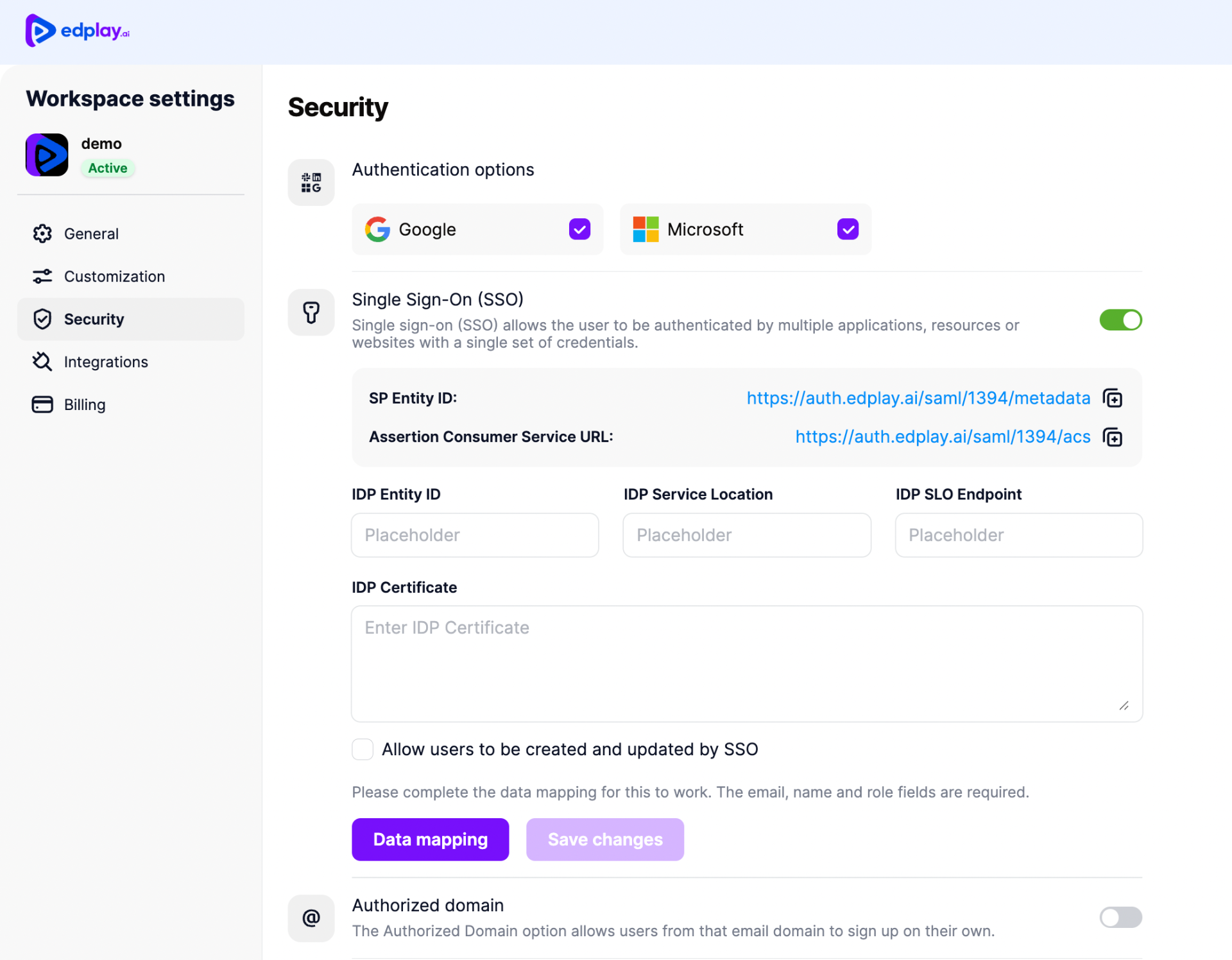
SSO & Security Settings
Enterprise-grade security with Google and Microsoft authentication, SAML-based Single Sign-On (SSO), authorized domains, and configurable IDP settings for seamless corporate integration.
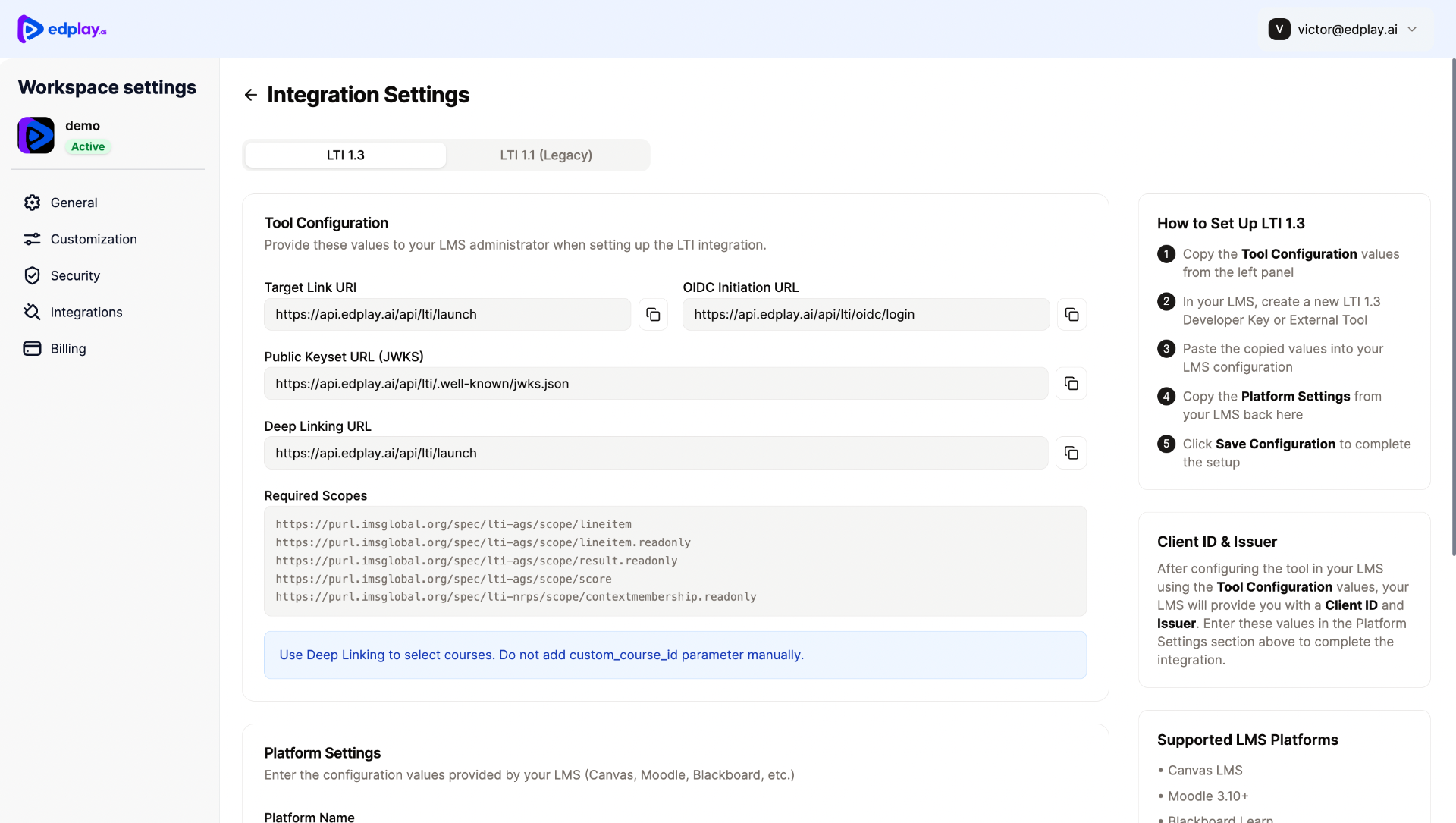
LTI & API Integration
Seamlessly connect to Canvas, Moodle, Blackboard and other LMS platforms with LTI 1.3 support. Built-in setup wizard with deep linking, grade passback, and required scopes for easy configuration.
Key Features
AI-Powered Course Creation
Build complete eLearning courses just by typing. Describe what you need, and AI creates it instantly.
Minutes, Not Weeks
Transform hours of manual work into minutes. Go from idea to published course in record time.
Interactive by Default
Quizzes, accordions, tabs, process flows, and image galleries built-in automatically.
Works Everywhere
SCORM export, LTI 1.3 integration, mobile-responsive, and API access included.
Analytics & Reporting
Track completions, engagement, and learner progress with built-in analytics.
Team Collaboration
Manage users, roles, and permissions. Co-create courses with your team.
Perfect For
Enterprise Ready
SSO Support
Role Management
Multi-language
White Label
Ready to Transform Your Training?
Join organizations worldwide using Edplay to create engaging, effective eLearning in minutes.
edplay.ai • hello@edplay.ai
EDPLAY INC. • Delaware, USA